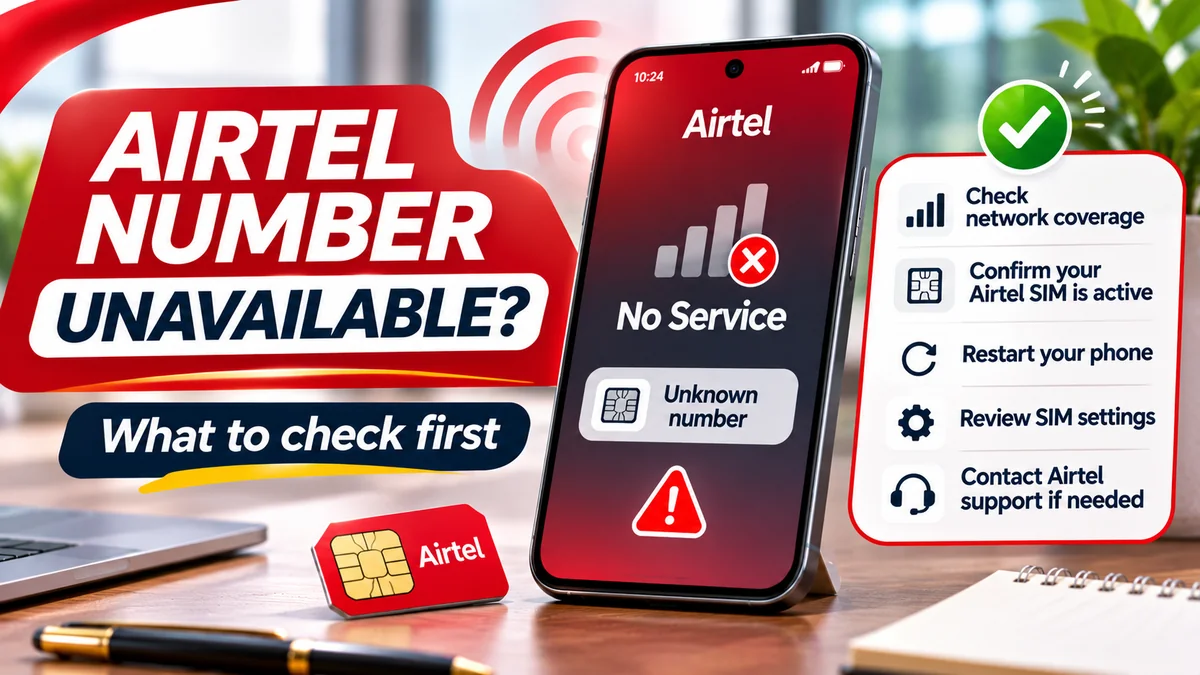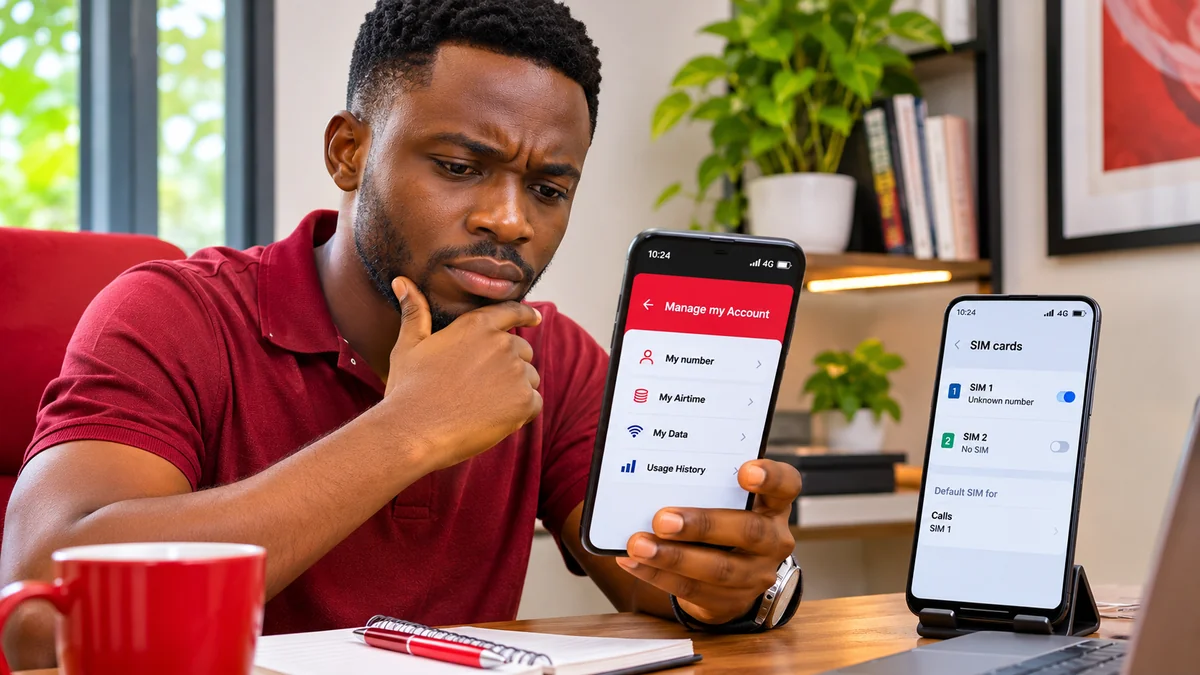
If your Airtel Nigeria SIM number is not showing on your phone, start by dialling *121# from the Airtel line, then select “Manage my Account” and “My number”. This is Airtel's documented way to retrieve the number. If your phone's settings show “Unknown” or a blank telephone-number field, that does not necessarily mean the SIM is damaged or your mobile number has disappeared.
People searching “how can I know Airtel number” often face one of several distinct problems: the number is hidden in Android or iPhone settings, the wrong SIM is selected on a dual-SIM device, a USSD request fails, the handset says “No SIM”, or the line has lost network service. Each needs a different response.
This practical guide explains Airtel-confirmed self-service, safe device checks, what to do when USSD fails, and when to contact customer care. It distinguishes retrieving your actual phone number from fixing a handset display and from resolving a barred or inactive line. Sources reviewed on 14 November 2026.
Quick answer: how can I know my Airtel number in Nigeria?
According to Airtel Nigeria's official FAQ , you should:
- Open the dialler on the phone containing your Airtel SIM.
- Dial *121#, choosing the Airtel line if your phone has two SIMs.
- Select “Manage my Account”.
- Select “My number” and read the network response.
- Save the confirmed number in your contacts or a secure personal record.
The menu descriptions above come from Airtel's website, although on-screen option numbers and layout can change. Follow the words currently displayed rather than relying on a third-party guide's outdated sequence of menu digits. USSD needs an active SIM that can reach the operator's network; it generally does not require mobile internet.
If that method does not work, try a call or SMS from the same SIM to a trusted second phone, check an already signed-in My Airtel app, or contact Airtel on 300. Do not use airtime-balance or NIN codes expecting them to show the telephone number.
First identify what “Airtel number not showing” actually means
The symptom tells you which troubleshooting step is most useful.
| What you see | Possible explanation | Best first action |
|---|---|---|
| “Unknown” under Phone number, but calls work | The device is not reading or displaying the SIM's number field correctly | Use Airtel *121# or a test call; no immediate SIM replacement needed |
| Blank number field on Android/iPhone | Number field not supplied, shown elsewhere or unavailable in that software version | Check the correct line and use Airtel self-service |
| USSD returns an error | Wrong SIM, poor signal, temporary network issue or unavailable menu response | Select Airtel SIM, retry after network recovery, then seek support |
| “No SIM” or SIM not detected | Physical SIM not read, disabled line, faulty tray or other hardware issue | Check SIM configuration and safely reseat physical SIM after powering off |
| “No Service”, “SOS” or emergency calls only | No network registration, coverage issue, barred/inactive line or eSIM problem | Check signal and service status; contact Airtel if it persists |
| Wrong number appears | Outdated or placeholder SIM number, saved profile or incorrect line selection | Confirm through Airtel network and correct your saved contact record |
| SIM PIN/PUK prompt appears | SIM security lock | Use the correct official PIN/PUK process; never guess repeatedly |
Samsung's official support explanation describes cases where a phone shows “Unknown” after a number transfer or when it cannot read the appropriate number from SIM information, even though network service is unaffected. Therefore, do not buy a new SIM merely because one screen is blank if the line otherwise works.
Step 1: Make sure you are selecting the correct Airtel SIM
Modern phones frequently support two physical SIMs, a physical SIM plus eSIM, or multiple eSIM profiles. The default line for calls may not match the line used for mobile data. A number shown in WhatsApp, your email account or your phone's contact card may also belong to another number you used previously.
On Android: open Settings and look for “SIMs”, “SIM manager”, “Mobile network” or “Connections”. Check which slot or eSIM is labelled Airtel and whether it is enabled. Samsung, Tecno, Infinix, Pixel and other Android devices use different menu names.
On iPhone: open Settings → Cellular or Mobile Data. Under the SIMs or plans section, identify the Airtel line and check that it is turned on. Apple's Dual SIM instructions explain how to choose an active plan and manage its settings.
When you dial *121# or place a test call, choose the Airtel line explicitly. If the response comes from another network, you have not checked the Airtel SIM even if its mobile data happens to be enabled.
Step 2: Use Airtel's official *121# number-retrieval menu
Airtel's own Nigeria FAQ confirms the path *121# → Manage my Account → My number. Its prepaid user guide also identifies *121# as a self-service code.
If the screen times out, displays an invalid MMI message or says the service is unavailable:
- Check that the SIM is enabled and shows at least some Airtel network signal.
- Temporarily turn off airplane mode, if enabled.
- Retry from the phone's native dialler, with the Airtel line explicitly selected.
- Wait a little before another attempt if there is a temporary USSD failure.
- Restart the phone once if the SIM is otherwise working but the request repeatedly fails.
- Switch to a test call, an authenticated account or Airtel support instead of endlessly trying unrelated codes.
There is an important difference between the USSD menu failing and the mobile number being unavailable. A service-menu error alone does not establish that the SIM has been deactivated. Do not change tariffs, buy bundles or authorise chargeable services merely to look up your number.
Step 3: Call or text another phone from the Airtel line
If the Airtel SIM can make an outgoing call, ask a trusted person to look at the caller ID on their phone. You can also use your own second handset.
- Enter the other person's number in the dialler.
- Choose the Airtel SIM for the call.
- Place a brief call and ask which number appears.
- Write it down and compare it with what the Airtel self-service menu displays, if available.
- Save it as “My Airtel number” so it is easier to find later.
If caller ID is withheld, the recipient may not see the number. A standard SMS from the Airtel line might reveal its sender number instead, provided SMS service is working. Voice and SMS charges or allowances can apply. Internet messaging applications should not be relied on as proof because their registered number may differ from the SIM currently installed.
Step 4: Check the number in Android settings
Android settings sometimes display the mobile number, but they are not a guaranteed source of the network-assigned number. A Google Android community guidance page describes navigating to Settings → About phone → Status → SIM status on compatible devices. Other phones show “Phone number” directly under “About phone” or within SIM manager.
Try this sequence:
- Open your phone's Settings.
- Search for “About phone”, “SIM status”, “SIM manager” or “Phone number”.
- Select the Airtel SIM if more than one is shown.
- Look for the phone-number field, taking care not to confuse it with the IMEI or ICCID.
- If the field is blank, outdated or says “Unknown”, verify the real number using *121# or Airtel customer support.
Airtel network functionality can be normal while a handset shows the wrong value. Samsung's explanation notes that an operator-assigned number can differ from a value read from SIM information, especially after number transfers. A phone setting that shows “Unknown” is therefore not conclusive evidence of disconnection.
Do not download an obscure “SIM number repair” APK that promises to rewrite your operator's records. It may be unnecessary or unsafe. Adding a confirmed number to your personal Contacts profile can make it easier to find, but doing so does not update Airtel's subscriber registration database.
Step 5: Check the Airtel line on an iPhone
Apple supports different combinations of physical SIMs and eSIMs depending on the device and region. Its Dual SIM support guide explains that separate voice and data lines can be configured and selected independently.
Open Settings → Cellular or Mobile Data, then choose the Airtel plan. Look for the associated line details or number where your software displays them. On some iOS versions a “My Number” field may also appear in Phone-related settings, but menu labels can change.
If the number is absent, do not conclude the eSIM has disappeared. Check whether the plan is present and enabled, whether the phone shows Airtel service and whether you can make a test call from the correct line. You can also use a previously authenticated account or official Airtel support.
Do not erase an Airtel eSIM just because its phone-number field is blank. Airtel's official eSIM guidance discusses QR-code activation and SIM swaps. Removing an eSIM may create a more complicated reactivation problem requiring a replacement profile or verification.
Step 6: Check My Airtel only if your account is already accessible
Airtel's My Airtel app page describes account management, recharge and subscription tools. An already signed-in app account may show a linked line in its account or profile area, depending on the current version.
However, do not assume the app can solve every forgotten-number problem. If first-time registration or sign-in requires the very mobile number you are trying to discover, or an OTP the line cannot receive, the app may not be usable until another method establishes the number or restores service.
Use the official app-store listing reached from Airtel's website, rather than an APK from an unsolicited link. If several accounts appear, check that the selected account corresponds to the Airtel SIM installed. An old login or saved receipt is a clue, not proof of the presently assigned line.
Step 7: Fix “No SIM” before attempting a USSD request
When the phone says “No SIM”, the handset has not recognised the physical SIM profile. The operator's *121# menu cannot be reached through a card the phone is not reading.
First, confirm whether the line is disabled in SIM manager. If you use a physical SIM and are comfortable handling it, switch off the handset, remove the tray using the correct tool, inspect for obvious damage, and reseat the card according to the manufacturer instructions. Do not force the tray or cut the card to fit.
Restart the handset and check whether the operator name appears. If you have another compatible unlocked phone you own, a brief controlled test can help distinguish a handset-tray problem from a potentially defective SIM. Stop if the card appears broken or overheats, or if the device has physical damage.
Airtel's prepaid guide says an “Insert SIM” message may mean the SIM was not fitted correctly. Persistent detection failure is a reason to contact an authorised Airtel service centre, rather than trying random reset apps.
Step 8: Troubleshoot “No Service” or emergency calls only
“No Service” is different from “Unknown phone number”. Your handset may recognise the SIM but fail to register on Airtel's network.
Start with low-risk checks: verify the Airtel SIM is on, disable airplane mode, move to an area with usable signal and restart the phone. If the line is roaming, network selection and roaming arrangements may matter. If several nearby Airtel customers have the same issue, a local network problem is possible, though it should not be assumed without confirmation.
If the problem persists, contact Airtel. The line might be inactive, barred pending registration checks, subject to an account issue or affected by a SIM/eSIM problem. The remedy depends on what the operator confirms.
The Nigerian Communications Commission's harmonised short-code notice designates 996 for NIN–SIM linkage verification. It is not the same as Airtel's *121# number-retrieval menu. If a NIN-registration issue is suspected, resolve it through Airtel's verified identity process rather than guessing your telephone number from an unrelated code.
Step 9: Know when a SIM PIN or PUK problem needs a different solution
A SIM PIN protects the card against unauthorised use. A PUK can be needed if the PIN is entered incorrectly too many times. Neither the SIM PIN nor PUK is the mobile number that friends dial to reach you.
Airtel's prepaid instructions describe how a SIM can be blocked after three incorrect PIN attempts and explain that PUK information may be printed on the original SIM packaging or certificate.
Do not guess a PIN or PUK repeatedly. More unsuccessful attempts can leave the card unusable and require a replacement. Contact Airtel through its official channels and follow the current identity-verification process if you do not have valid recovery information. Never send PUK, PIN, OTP or account passwords to an unknown person offering a “number fix”.
Step 10: Understand physical SIM, eSIM and SIM-swap differences
A physical SIM is the removable card; an eSIM is a digital subscriber profile downloaded to a compatible phone. Both can represent a network-assigned Airtel number. A SIM swap moves a number to an authorised replacement SIM/profile after verification; it is not the same as checking the number on a working line.
Airtel's eSIM guidance states that activation and moving a profile can involve QR-code provisioning and an official SIM-swap process. Its 4G guidance confirms that a normal upgrade or authorised SIM swap can retain the existing number.
If you have a working Airtel line and only an “Unknown” display, there is usually no reason to begin a replacement process before trying *121# or contacting support. A swap can involve identity checks, fees or disruption; the operator should establish whether it is genuinely needed.
For readers managing multiple lines, FlyingEze's Airtel data-sharing guide explains why choosing the correct Airtel account matters for other SIM-based tasks as well.
Step 11: Contact Airtel Nigeria if the number still cannot be confirmed
Airtel's official contact page lists the following channels:
- 300 — customer care when calling from an Airtel line.
- +234 802 150 0300 or +234 802 152 0800 — listed options when calling from another network or abroad.
- customercare@ng.airtel.com — published customer-service email address.
- Airtel stores — locate an official outlet using the operator's verified channels. Its FAQ also lists *386# for shops and KYC locations.
Tell support exactly which symptom appears: “My phone says Unknown, but I can call”; “My Airtel *121# request fails”; “The SIM is detected but shows No Service”; or “I cannot retrieve a lost eSIM”. Mention your phone model and whether you have multiple SIMs, but do not publish personal verification answers in public comments.
If the line is missing, stolen or unexpectedly loses service while important banking accounts are connected, contact Airtel and your financial institutions promptly using independently verified numbers. An unauthorised SIM swap is a security matter, not merely an inconvenience with the phone-number display.
What the different Airtel and NCC codes actually do
| Code | Documented purpose in Nigeria | Will it show your Airtel number? |
|---|---|---|
| *121# | Airtel self-service; select Manage my Account and My number | Yes, this is Airtel's official route |
| 300 | Customer helpdesk | Support can assist after appropriate verification |
| *310# | Airtime balance | Not a dedicated number-retrieval command |
| *323# | Data balance | No |
| *996# | NIN–SIM registration/linkage verification | Not a “show my number” code |
| *386# | Airtel shop/KYC-location lookup | No, but it may help you find assistance |
| *#06# | Device IMEI information on supported phones | No; IMEI is a device identifier |
The NCC's harmonised codes standardise many tasks across operators, but do not replace Airtel's own specific *121# number-check menu. Avoid using foreign-country Airtel codes copied from unrelated guides: an Airtel service in Zambia or India does not establish the correct Nigeria procedure.
Why an Airtel SIM number can remain “Unknown” even when calls work
Phones do not always receive the current mobile number as a readable value from the card. In some cases the stored field is blank, contains a temporary number, or does not reflect a number that has been ported or transferred.
Samsung's support article explains that its Android interface may show “Unknown” because of the way the number is stored and read; normal network calling can continue. Therefore, a successful test call or official Airtel menu response is stronger evidence of your current number than a possibly stale “About phone” field.
Editing your personal contact card can make the number visible in your contacts, but that changes only your saved information. It does not correct a SIM registration mismatch or update the operator's records. If the network and handset disagree in a way that affects service, request an authorised Airtel review rather than repeatedly changing settings.
What if the number is inactive, old or has been recycled?
An unused SIM may face disconnection or number recycling under applicable service terms and regulation. Airtel's prepaid guide describes activity conditions for keeping a subscription active, while its Keep My Number service is offered to eligible prepaid subscribers who expect extended inactivity or time abroad.
The service's availability, price and conditions should be checked before purchase. It is a line-retention product, not a substitute for NIN registration or a guarantee that a number already recycled can be recovered.
If you last used the SIM a long time ago and it no longer has service, ask Airtel to establish its current status. Do not assume that an old recharge receipt, a WhatsApp account or the printed SIM serial guarantees you still control the line. If a number has been legitimately reassigned, it may belong to a different subscriber and should not be used to access old accounts.
Common mistakes to avoid when your Airtel number is not showing
- Dialling from the wrong SIM: the other network's menu cannot show Airtel information.
- Confusing a balance code with number retrieval: *310# and *323# serve different purposes.
- Assuming “Unknown” equals a dead line: the phone may simply be unable to display the number field.
- Erasing an eSIM to fix a display issue: the profile may need fresh activation afterward.
- Entering guessed PUK codes: repeated failures can permanently block the card.
- Downloading unverified SIM tools: such apps may harvest contacts or account information.
- Relying on WhatsApp's saved number: that account may not match the installed SIM.
- Assuming SIM ownership from possession: having the plastic card does not necessarily resolve formal registration disputes.
- Sending NIN, OTP or bank information to brokers: use official operator channels.
- Resetting the entire phone too early: test the simple, reversible steps first and obtain proper guidance before destructive actions.
For related telecom-security advice, FlyingEze's guide to Airtel data-gifting scams explains why users should verify account access and avoid fraudulent requests. A failed SIM lookup is not proof of a scam, but a suspicious call requesting passwords or OTPs is a separate warning sign.
Frequently asked questions
How can I know my Airtel number in Nigeria?
Dial *121#, select Manage my Account, then My number. Airtel Nigeria documents this route in its official FAQ. Select the Airtel SIM if your phone has two active lines.
Why is my Airtel number showing as Unknown on Android?
The handset may not be reading a usable phone-number value from SIM information. Samsung confirms that “Unknown” can appear while normal network services still work. Verify the number through Airtel's *121# menu or a call instead of assuming the SIM is broken.
What if *121# is not working?
Check network signal, choose the Airtel SIM, turn off airplane mode and retry later after a brief wait. If the line has no service or the menu repeatedly fails, call 300 from Airtel or use the official alternative contact channels.
How do I see my Airtel number without mobile data?
A working Airtel SIM can generally use the *121# USSD menu without internet access. A test call or SMS to a trusted second phone can also help, subject to service, airtime and caller-ID conditions.
Can I check the Airtel number on an iPhone?
Inspect the Airtel plan under Settings → Cellular or Mobile Data, where the device supports displaying its details. If the number is not shown, use Airtel's USSD menu or a verified account. Do not erase the eSIM simply because the number field is blank.
Does *310# show my Airtel number?
No. The NCC and Airtel identify *310# as an airtime-balance service. Use *121# → Manage my Account → My number for number retrieval.
Will changing my SIM slot fix the missing number?
It may help diagnose whether the handset detects the card, but it does not guarantee correction of an “Unknown” phone-number field. If the line works, retrieve the number from Airtel first. Power off the phone before handling a physical SIM if required by the manufacturer.
Is the SIM serial number the same as my mobile number?
No. The ICCID identifies the SIM card or profile, while the MSISDN is the phone number people call. The IMEI identifies the mobile device. They are different identifiers.
Can I find my Airtel number if the SIM is blocked?
You may be able to find a historical record in your own documents or authenticated account, but retrieving the active network record may require Airtel's identity checks. If a PIN/PUK prompt or registration bar is involved, use the relevant official process rather than trying unrelated USSD codes.
What is Airtel Nigeria's customer-care number?
Airtel lists 300 from an Airtel line, plus +234 802 150 0300 and +234 802 152 0800 for calls from another line or abroad on its official contact page.
Final checklist: retrieve your Airtel number without making the problem worse
- Confirm the Airtel SIM is installed, enabled and selected.
- Try Airtel's official *121# → Manage my Account → My number.
- If the number field is blank but calls work, verify it through a test call or authenticated operator account.
- For “No SIM”, check safe physical SIM handling or eSIM activation status.
- For “No Service”, check signal and whether the line is barred or inactive.
- Never guess PUK codes, erase an eSIM unnecessarily or give unknown callers your OTP.
- If simple checks fail, use 300 or Airtel's verified customer-service contacts.
The key is to separate a missing display value from a genuine connection problem. A phone that cannot show your number may still have a perfectly working Airtel line. Use the operator's confirmed menu to find the digits, then escalate only the underlying issue that remains.
Editorial note: This guide covers Airtel Nigeria, based on Airtel, NCC, Samsung and Apple sources reviewed on 14 November 2026. Menu wording and handset settings may change. The featured image is an illustrative AI-generated scene, not an Airtel app screenshot. This article is informational and does not provide access to another person's subscriber records.