
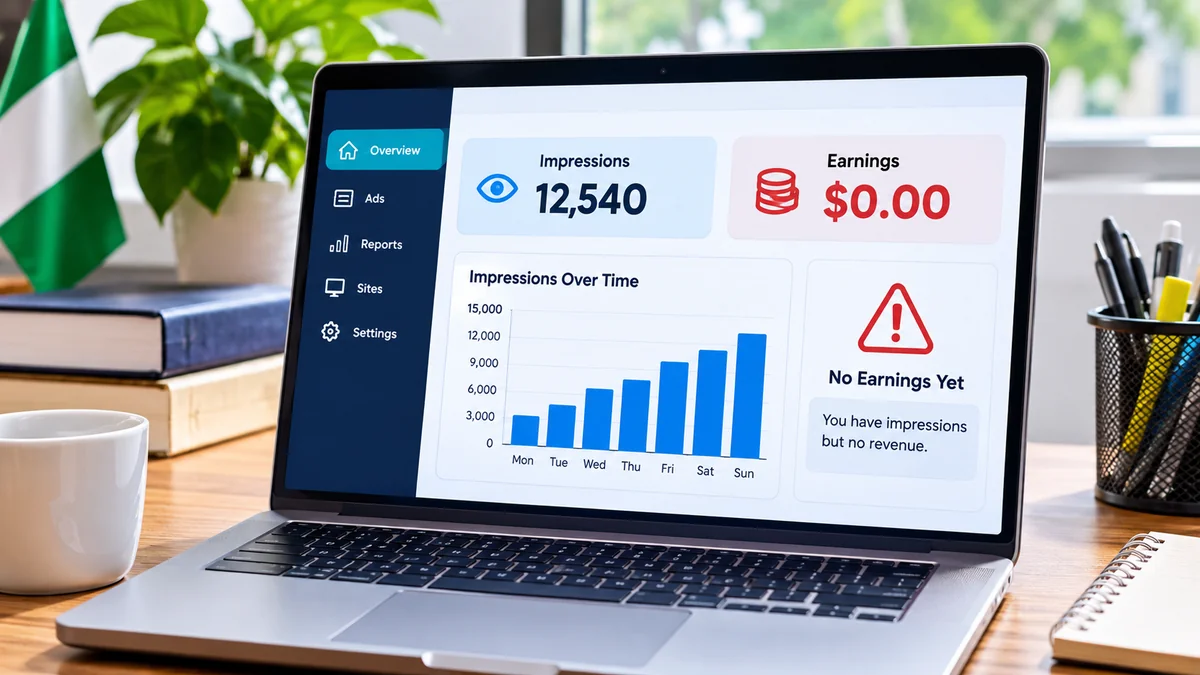
Your Google AdSense dashboard may report hundreds or thousands of impressions while estimated earnings remain at $0.00. That can be frustrating for publishers who have invested in content and traffic. But an impression does not guarantee a fixed or payable advertising amount. The explanation may involve reporting delays, very low advertising value, invalid-traffic processing, ad-serving restrictions, low coverage or a technical implementation problem.
The most effective response is to establish exactly which advertising metric is being counted, check account restrictions and then work systematically through traffic quality and ad delivery. This guide explains how.
What do impressions mean in AdSense?
Page views, ad requests, ad impressions and estimated earnings describe different events. A page view is not a promise that an advertisement loaded. An ad request can be made without producing a filled ad. An ad impression is an ad counted under Google's reporting rules; estimated earnings are preliminary revenue, subject to adjustments. Google explains that browser code execution, unsupported environments and invalid activity can cause AdSense numbers to differ from a website's other analytics.
Start by determining whether the impressions are recorded inside AdSense or only in Google Analytics 4 (GA4). Ten thousand GA4 page views and zero AdSense ad impressions suggest a different issue from ten thousand AdSense ad impressions and zero estimated earnings.
1. Reporting delays and earnings adjustments
According to Google's reporting guidance , impression and click reports are usually refreshed every 15–30 minutes, although delays of 24 hours or longer sometimes occur. Recent estimated earnings can also be adjusted as Google filters invalid activity. Google notes that these fluctuations may be particularly noticeable within 48 hours of initial reporting.
Compare today with yesterday and previous seven-day periods. Look for any explicit reporting delay message. Avoid declaring a persistent outage based solely on an incomplete current-day report. For mature reporting periods, review finalized earnings separately from the estimate; they are not identical measures.
2. Invalid traffic and nonpayable activity
Google defines invalid traffic as clicks or impressions that may artificially increase advertisers' costs or publishers' earnings. It can include automated traffic, repeated artificial requests, self-clicking and accidental clicks encouraged by poor placement. Google confirms that some invalid clicks can appear in reports without generating publisher revenue.
Investigate unusual traffic sources using GA4 acquisition data, hosting access logs, security telemetry and abnormal request patterns. Traffic from a particular country is not automatically invalid; visitors from China, Singapore or anywhere else should be evaluated using behaviour and technical evidence, not nationality. Suspicious signals might include repeated requests from automation infrastructure, unusual referral bursts and highly repetitive interaction patterns.
Never click your own ads to test earnings, encourage readers to click, or purchase artificial traffic. Apply proportionate bot protection and rate limits where evidence justifies them, while avoiding blanket blocks on genuine users and verified search crawlers. Google can adjust revenue or restrict monetisation when invalid activity is significant.
3. Ad-serving limits and policy enforcement
Google may limit the number of ads an account can serve while evaluating traffic quality or because of invalid-traffic concerns. The AdSense Policy centre is the authoritative place to check for such a restriction. Google's ad-serving limits guidance explains that restrictions often affect publishers for less than 30 days but can last longer, without a guaranteed removal deadline.
Read the actual account notice, review traffic acquisition and ad placement practices, and correct policy issues rather than trying to circumvent restrictions. Do not confuse 'limited ad serving', which restricts delivery, with 'limited ads', which concerns restrictions on personal-data use in ad serving.
4. Low ad coverage and unfilled requests
A site can request advertising without receiving an eligible ad for every opportunity. Coverage helps diagnose how effectively eligible ad requests produce ads. Google lists ad-serving limits, ads.txt problems, crawler errors, blocking controls, invalid traffic and changes in advertiser demand among causes of reduced coverage.
Break reporting down by device, location, page group, ad format and date. If coverage falls immediately after a site release or consent-management update, examine that implementation. If coverage is persistently low in a narrow segment, assess whether advertisers have suitable demand there before assuming the site is malfunctioning.
5. Very low ad RPM and negligible estimated revenue
Impressions are not compensated at a universal fixed rate. Google's ad RPM metric is estimated earnings divided by ad impressions, multiplied by 1,000. If 2,000 impressions generated an estimated $0.10, ad RPM would be $0.05; this is purely an example, not a real market rate. A very small amount may display as zero after rounding at certain report levels, but rounding should not be assumed to explain persistent zero earnings over a meaningful volume.
Compare ad RPM with earlier periods and like-for-like traffic segments. A country, page or format can perform differently because demand and advertising value vary. Avoid trying to inflate impressions through artificial traffic or manipulating users into ad clicks.
6. Incorrect AdSense implementation and blank slots
Missing advertising scripts, JavaScript errors, incorrect slot dimensions, hidden placements, blocked network requests, unsuitable consent logic and code conflicts can interfere with ad delivery. Google's impression troubleshooting guide recommends inspecting whether ads actually display, checking implementation and using browser developer tools.
Single-page applications, including React and Next.js sites, deserve particular attention. Client-side navigation can change the article view without a full page reload. Ads may need supported lifecycle handling so that eligible placements are correctly loaded when content changes; blindly reinitialising or repeatedly refreshing slots is not a compliant or reliable solution. Inspect initial loads and navigation, console errors, network calls, element visibility and user consent states.
Do not repeatedly refresh empty slots merely to create more requests or impressions. Follow the rules applicable to the exact Google advertising product and implementation.
7. Ads.txt, approval status and crawler issues
Ads.txt identifies authorised digital advertising sellers. Missing, inaccessible or incorrect entries can affect demand and deserve investigation. Check the ads.txt status reported inside AdSense and use the exact authorised entry supplied for your publisher account. Do not copy another website's publisher ID. Also check the site's approval status, Policy centre and relevant crawler problems.
Fixing an ads.txt warning does not guarantee immediate revenue. An ads.txt issue is one possible cause among several and must be interpreted alongside coverage, delivery and account status.
8. Why GA4 traffic and AdSense revenue differ
GA4 and AdSense do not measure the same events. A visitor can trigger analytics without loading an ad, for example because an ad request was blocked or never issued. Multiple ads on one page can also generate more ad impressions than page views. Google's reporting documentation specifically notes browser limitations, crawlers and invalid activity as reasons external statistics diverge from AdSense.
Look for trends rather than perfectly matching totals. Stable GA4 sessions combined with a sudden fall in AdSense coverage after deployment indicate a different investigative path from a spike in low-quality referral traffic with no corresponding increase in ad revenue.
9. Eight-step AdSense zero-earnings diagnostic checklist
- Verify whether impressions are reported by AdSense itself or only by GA4.
- Compare today, yesterday and the previous seven days, allowing for known reporting delays.
- Review estimated earnings, ad RPM, ad requests, impressions and coverage together.
- Inspect the Policy centre for serving limits or policy actions.
- Confirm site approval, ads.txt and advertising crawler status.
- Use browser developer tools to investigate scripts, requests, ad placement and rendering across desktop and mobile.
- Review unusual traffic sources with analytics, hosting and security evidence.
- Compare finalized earnings and any invalid-activity adjustments for completed accounting periods.
Correct a confirmed problem, document the change and compare like-for-like reporting periods afterward. Avoid simultaneously altering many unrelated settings because that makes causation difficult to establish.
10. Protecting future website advertising revenue
Sustainable monetisation depends on authentic users, valuable content, reliable delivery and policy-compliant placements. Keep an audit trail of site deployments and ad-code changes. Monitor unusually high request rates, unexpected traffic sources, missing scripts and sudden coverage declines. Use sensible bot mitigation, and do not assume that blocking every unfamiliar location will improve revenue.
Programmatic monitoring can alert publishers to missing scripts, unreachable ads.txt files, JavaScript errors or unusual changes in traffic. It cannot reliably identify which specific impressions Google considers valid or force advertisers to bid. Publishers should focus on legitimate ad opportunities and good user experiences, not raw impression counts.
Frequently asked questions
Does AdSense pay for every impression?
No. An impression does not guarantee a fixed payment. Earnings depend on advertising value and valid activity, and estimated amounts may later be adjusted.
Can invalid clicks appear without revenue?
Yes. Google acknowledges that some invalid clicks may appear in reports without corresponding earnings.
How long does reporting take?
Reports usually refresh within 15–30 minutes, but Google's guidance notes occasional delays of 24 hours or more. Later filtering can also change estimated earnings.
Does traffic from China or Singapore automatically earn zero?
No. Country alone neither proves invalid traffic nor establishes a guaranteed ad rate. Examine the country breakdown, ad coverage and verified traffic-quality indicators.
Should I automatically refresh empty ad slots?
Not simply to inflate requests. Investigate the implementation and follow the applicable Google rules before considering any supported refresh behaviour.
Why are finalized earnings lower than estimated earnings?
Google may remove invalid activity, apply processing adjustments and post the final payable amount separately from preliminary reports.
Conclusion
When Google AdSense shows impressions but zero earnings, the likely explanation is not necessarily a single bug. Review reporting delays, invalid activity, policy limitations, coverage, ad value and technical implementation in a disciplined order. The real goal is not to force impression counts higher; it is to serve legitimate, valuable advertising reliably to real readers.