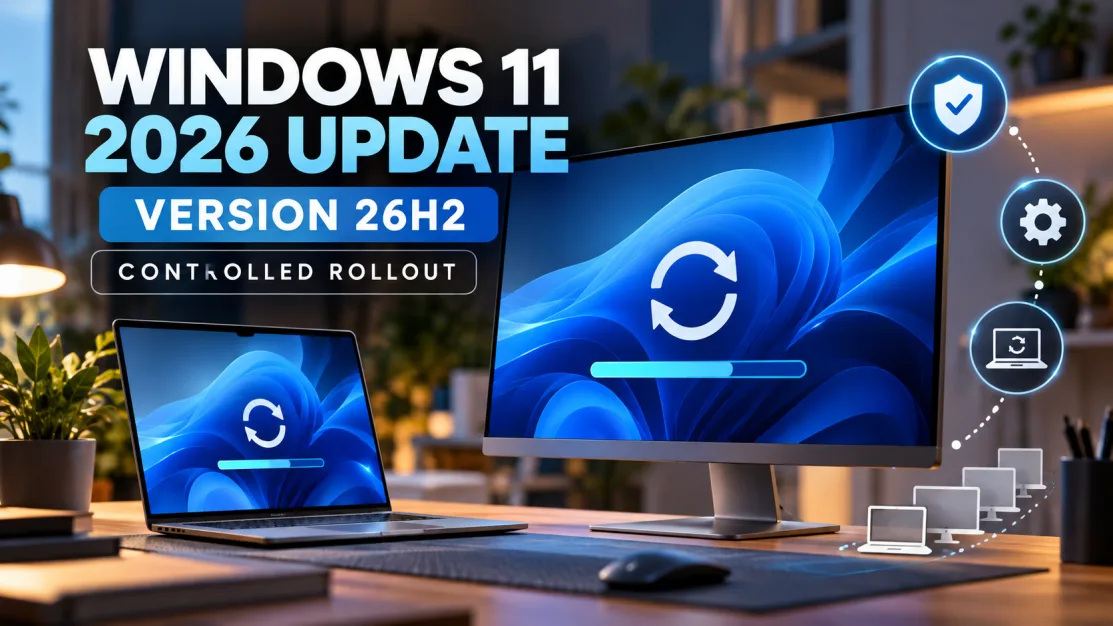
Microsoft has started rolling out the Windows 11 2026 Update, also known as version 26H2, to eligible devices.
The update is available for eligible PCs running Windows 11 25H2 or 24H2. Because the releases share the same servicing foundation, many systems can move to 26H2 through a lightweight enablement package rather than a full operating-system reinstall.
How to check for Windows 11 26H2
Open Settings > Windows Update and select the option to check for updates. Users who want new updates as soon as they are available can enable the setting that prioritises the latest updates.
Why the update may not appear immediately
Microsoft is using a controlled rollout. That means availability can expand gradually rather than reaching every eligible device at the same moment.
The company can also apply safeguard holds where it identifies compatibility problems involving hardware, drivers or applications. A missing update therefore does not necessarily mean a PC is unsupported.
Is 26H2 a large download?
For supported 24H2 and 25H2 systems, 26H2 is designed to use the same servicing base, allowing the update to be activated with a relatively small enablement package. That can reduce installation time and disruption compared with a traditional feature upgrade.
Should you force the update?
For most users, waiting for Windows Update to offer 26H2 is the safest approach. If Microsoft has placed a safeguard hold on a device, bypassing that protection can expose the machine to a known compatibility issue.
What businesses should do
IT teams should validate critical applications, drivers and security tooling before broad deployment. A controlled pilot group can help identify organisation-specific problems before 26H2 is pushed to the wider fleet.
Bottom line
Windows 11 26H2 is available, but availability is controlled. Eligible users can check Windows Update now, while organisations should treat the release as a managed servicing event rather than assuming every PC needs an immediate manual upgrade.