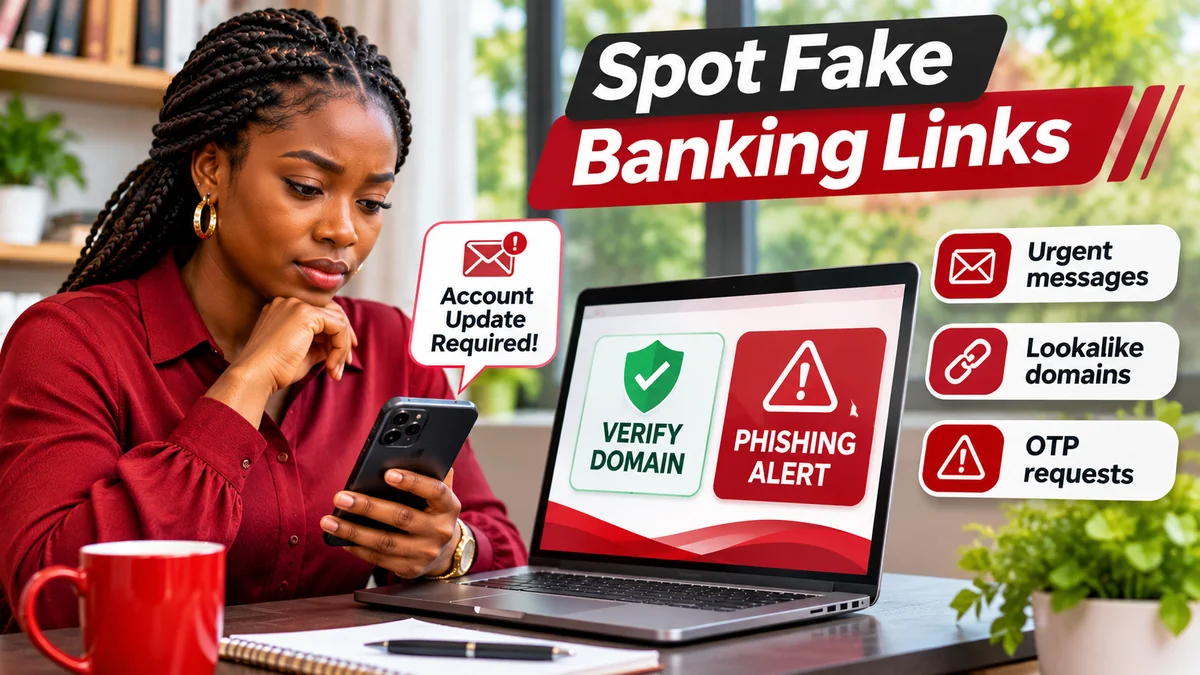
The safest way to avoid a fake UBA banking website is to open the bank's official site independently, rather than trusting a login link sent in a message. For UBA Nigeria, the official Internet Banking page links to https://ibank.ubagroup.com/ . United Bank for Africa warns customers not to disclose passwords, PINs or other confidential details in response to unexpected links, emails or calls. The Central Bank of Nigeria (CBN) gives similar advice: verify requests through a known, legitimate contact channel.
Criminals can copy a bank's logo, colours and web-page design, or send convincing messages that seem to come from customer support. A familiar appearance, professional wording or a padlock symbol does not prove that a page belongs to UBA. This guide explains how fake banking sites and phishing messages work, how to inspect a URL correctly, what to do with a suspicious message and what steps to take if you have already entered your details.
Fact-checked: 8 November 2026. This guide focuses on UBA Nigeria and is an independent FlyingEze educational article, not an official UBA communication. It does not request or collect banking credentials.
What is a fake UBA banking website?
A fake banking website is a page controlled by someone other than the bank but designed to make visitors believe it is genuine. It may imitate a login screen, password-reset page, account-update form or customer-support portal. Its purpose can be to capture a User ID, password, card details, bank-verification information or one-time password (OTP), or to persuade someone to approve a fraudulent payment.
Phishing is the attempt to trick a person into revealing information or performing an unsafe action by posing as a trusted organisation. A phishing message may arrive by email, SMS, WhatsApp, social media or a voice call. The message often sends the recipient to a counterfeit website. The US Federal Trade Commission's consumer guide describes familiar patterns such as unexpected security warnings, account problems and urgent requests to click links. UBA's Security Centre specifically warns about fraudulent transaction-notification emails and links demanding sensitive information.
A fake page cannot be confirmed solely from the way it looks. The decisive checks are the destination address, how the person reached it, whether a request was expected, and whether the bank confirms it through independently obtained contact information.
1. Verify the real UBA login domain before typing anything
UBA Nigeria's Internet Banking information page points to ibank.ubagroup.com . You can begin instead at www.ubagroup.com and follow the bank's Internet Banking link. This second route is useful whenever you are uncertain about a message or web address.
To read a web address, look at the hostname between https:// and the next slash. For the official login address, that hostname is ibank.ubagroup.com. Scammers sometimes place the bank's name somewhere else in a URL and hope visitors do not notice where the real domain ends.
| Illustrative address or pattern | How to assess it |
|---|---|
https://ibank.ubagroup.com/ | Official UBA Internet Banking address, confirmed from UBA's own site |
https://www.ubagroup.com/ | Official UBA group website; navigate onward to the intended service |
https://ibank.ubagroup.com.login-check.example/ | NOT UBA: the hostname ends in login-check.example, not ubagroup.com |
https://ibank.ubagroup.com@security-check.example/ | NOT UBA: text before the @ is misleading; the destination is security-check.example |
| Shortened link whose destination cannot be seen | Do not use it to sign in; open UBA's website yourself |
Note: Domains ending in .example above are fictitious teaching examples, not identified active scam websites.
A malicious site can also use HTTPS, so do not rely only on the padlock icon. HTTPS indicates that the connection is encrypted; it does not prove that the person operating the site is your bank. Be cautious when a web address uses extra words, confusing separators, character substitutions or unexpected redirects. On a phone, tap the browser's address bar to see the full destination—not simply the page title.
2. Learn the warning signs of a fake banking message
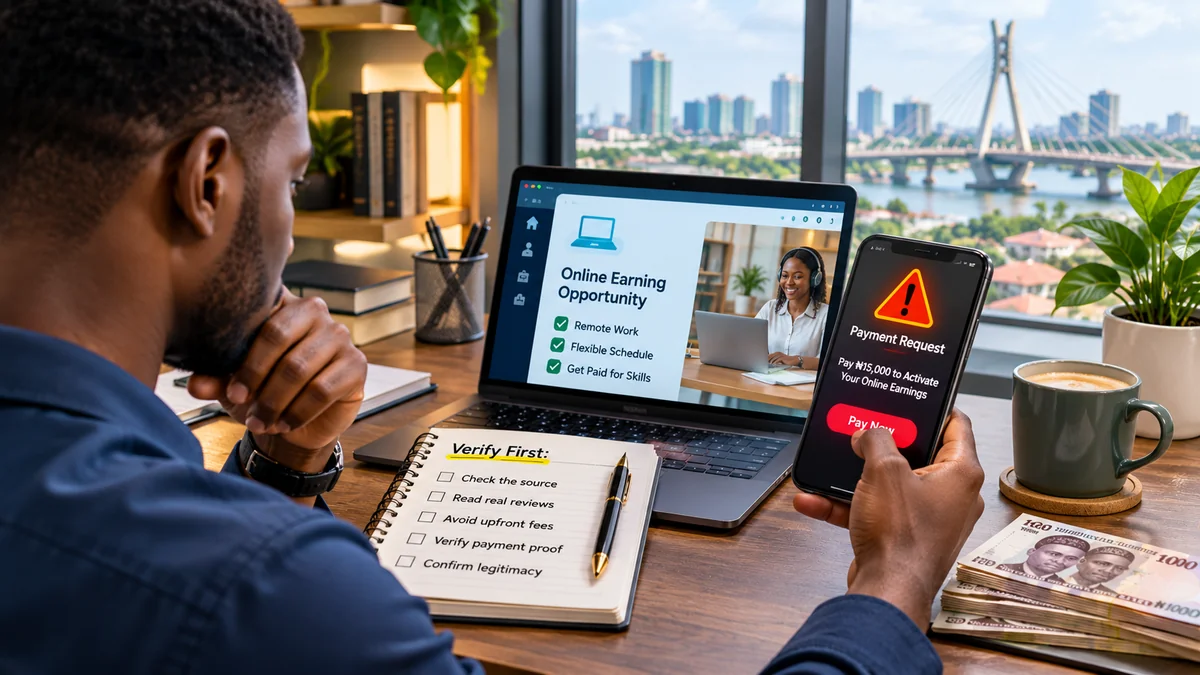
Scams do not all contain spelling mistakes. Some are well written and may imitate official graphics or the name shown in your contacts. The strongest warning sign is often an unexpected demand for action involving your account or confidential information.
- Pressure and deadlines: “Your account will be suspended in 15 minutes unless you verify now.”
- Credential requests: an email or caller asks for your password, transaction PIN, complete card details, OTP or token response.
- Unverified login links: the message offers an unfamiliar website for account reactivation, refunds or security updates.
- Fake fraud calls: a supposed bank agent asks you to move funds to a “safe account” or authorise a transaction.
- Unexpected files or apps: the sender wants you to install a downloaded APK, remote-access tool or attachment to “repair” your account.
- Unusual payment demands: a person requests a transfer to a private account before providing banking help.
- Identity inconsistencies: the message's sending address, destination and claimed department do not match the bank's independently verified information.
UBA's own fraud-awareness campaign stresses that the bank does not ask customers to disclose secret credentials through messages or unsolicited calls. If a notification genuinely concerns your account, you should be able to investigate through a trusted UBA channel without entering details on a link sent by an unknown person.
3. Recognize common UBA-themed phishing scenarios
The following examples are fictional illustrations of possible scam wording. They are not real UBA notices or evidence of a specific campaign.
“Your UBA account has been restricted”
A message claims the bank has blocked your account and supplies a “Restore Access” link. The trap is urgency: the person may enter their banking credentials into a cloned website without confirming the domain. Instead, open UBA's official site separately and check the account through its approved channels.
“You have an incoming transfer—verify to receive it”
The message may say you must enter an OTP, BVN, password or card information to receive a transfer. Treat this as suspicious. Do not share confidential details or authorise a transaction you did not begin. Confirm payment status inside the genuine bank service.
“UBA fraud department needs your security code”
A caller may sound professional, use a Nigerian number, or know part of your personal information. That does not prove employment by UBA. End the call if they demand secret codes, then call the bank using a number obtained directly from UBA's website.
“Download this new UBA banking app”
An unfamiliar link might promise a faster login or a mandatory security upgrade. Do not install APK files or remote-access software from messages. Start from UBA Nigeria's digital banking page and use the official app-store destinations it provides.
“Scan this QR code to confirm your account”
A QR code can conceal a website address just as a shortened link can. Avoid scanning unexpected codes for banking verification. If you do scan one, inspect the destination before opening it and do not proceed to a form requesting sensitive information.
4. Email, SMS, WhatsApp and social media can all carry phishing attempts
Email: a message may use a bank-like display name even when its real sender address differs. A reply-to address or link can point somewhere else again. Do not assume an email is genuine because it contains an official-looking logo, a disclaimer or a PDF attachment.
SMS: scam texts can mimic transaction alerts, warn about account closure or ask users to telephone a number controlled by the sender. A familiar sender name by itself is not enough to establish authenticity.
WhatsApp or social media: a page or account may copy UBA branding and offer quick “account unlock” support. Do not send screenshots of your account, card information, passwords, NIN or OTPs to strangers in a private chat. Verify any official chat service from the bank's own published website.
Phone calls: an unsolicited caller may claim to be responding to suspicious account activity. Caller ID can be misleading, so use your own trusted bank contact information to confirm the concern. UBA's contact page is a safer starting point than a number dictated by the caller.
For wider Nigerian context, FlyingEze previously covered a CBN warning about fake emails and links used to target bank accounts . That report is supporting background, not proof that any particular message you receive is fraudulent.
5. The HTTPS padlock and familiar logo are not enough
A counterfeit website may have an encrypted connection, sharp graphics and navigation that looks like a real bank's interface. These details make a site appear professional but do not establish ownership. Likewise, a sponsored search result or the first page returned by a search engine is not necessarily the legitimate login page.
Check the actual domain, open the bank's published website independently and avoid copying credentials between tabs you do not trust. UBA describes additional Internet Banking protections, including authentication by password and token and an image-and-phrase security feature. Such features can help, but the correct domain and a verified login journey remain essential. Do not regard the absence or appearance of one graphic as a definitive fraud test.
6. What should you do with a suspicious UBA message?
- Do not click links, open attachments, reply or call the provided number. Avoid using “unsubscribe” links in clearly suspicious messages.
- Verify independently. Open UBA's website yourself, use the official app already installed on your device, or telephone an independently checked number.
- Keep useful evidence. Save the sender, message, timestamp and suspicious destination for reporting. Do not circulate live links unnecessarily or expose sensitive account data.
- Report through an official route. UBA's Security Centre asks customers to forward suspected phishing emails claiming to be from UBA to cfc@ubagroup.com.
- Mark as junk and remove the message once you have preserved any necessary evidence.
Importantly, you do not need to prove that a message is fraudulent before seeking bank confirmation. If something seems unusual, asking the actual bank is a safer approach than testing the link yourself.
7. You clicked a link: what to do next depends on what happened
Simply opening an unfamiliar link does not necessarily mean your account was accessed. The risk rises if you entered information, downloaded software, supplied a one-time code or authorised a payment. Respond according to the action taken:
| What happened | Recommended response |
|---|---|
| You opened a link but entered nothing | Close it; avoid further interaction. If a download occurred, run an up-to-date security scan. |
| You entered User ID or password | Contact UBA promptly; change credentials using the verified official service and secure any linked email. |
| You supplied an OTP, transaction PIN or token approval | Treat this as urgent; contact UBA's fraud team to secure the profile and check for transactions. |
| You installed an unknown app or remote-access tool | Stop using the affected device for banking; disconnect it if necessary, seek trusted technical help, and alert UBA. |
| Money has left your account | Report unauthorised transactions immediately, request investigation and preservation of references, and follow bank/police reporting instructions. |
If you suspect your phone or computer has been compromised, use a different trusted device to contact the bank and change credentials. Do not attempt to delete evidence before reporting, and do not assume a payment can always be reversed. Rapid reporting may improve the chances of limiting further harm but cannot guarantee recovery.
The CBN's fraud-awareness guidance advises people whose banking information is compromised to contact their financial institution, secure their accounts, change affected passwords and report the incident to the appropriate authorities.
8. How to report a suspected fake UBA page or banking fraud
UBA Nigeria's official Contact Us page lists the following customer service and fraud channels:
- Customer Fulfilment Centre: 02-012807000 or 02-012808822
- Alternative customer service: 07002255822 (0700-CALL-UBA)
- Fraud Help Desk: 02-012808800
- Support email: cfc@ubagroup.com
These details were checked on 8 November 2026. Confirm them again on UBA's own website before using them, especially if you see different numbers in social-media posts or search advertisements.
When filing a report, explain what happened, when, which channel was involved, whether you entered credentials or approved transactions, and any transaction reference needed for investigation. Share identifying information only through a verified bank procedure. Never send an account password, complete card PIN or OTP in ordinary email or chat. UBA cautions that ordinary email is not generally encrypted for sensitive account matters.
If there has been theft, the bank can explain its dispute process. Depending on the circumstances, you may also report the incident to the appropriate Nigerian law-enforcement authorities. Do not pay a so-called recovery agent who promises guaranteed reimbursement.
9. Habits that make UBA online banking safer
- Bookmark the verified address: reach Internet Banking from UBA's information page or its official login service .
- Use unique passwords: do not reuse your Internet Banking password on unrelated services.
- Keep authentication devices private: never share OTPs, token approvals or transaction PINs with other people.
- Update phones and browsers: install security updates from trusted system sources.
- Protect linked email: use a strong password and available multi-factor authentication because the mailbox may be involved in account recovery.
- Monitor transactions: inspect statements and alerts, and report unexpected activity early.
- Separate business access: corporate users should have their own authorised credentials and approval permissions, rather than sharing another staff member's login.
- Sign out on shared devices: avoid using public computers or publicly accessible Wi-Fi to conduct sensitive banking where possible.
The bank's official online-banking page also warns customers against suspicious links and credential sharing. For specific password or login problems, use the bank's recovery tools rather than responding to someone offering a shortcut.
Frequently asked questions
What is the official UBA Internet Banking address?
UBA Nigeria links customers to https://ibank.ubagroup.com/ from its official Internet Banking information page. You can also reach the service by starting at www.ubagroup.com .
Can a phishing website have HTTPS and a padlock?
Yes. HTTPS encrypts the connection to a website, but an encrypted connection does not prove the operator is UBA. Check the hostname and use independent verification.
Does a message displaying the UBA name mean it is genuine?
No. Display names, logos and caller IDs can be imitated. Verify the underlying address and contact the bank using an independently obtained channel before acting.
Will UBA ask me to share my OTP or banking PIN in WhatsApp or an unsolicited call?
UBA's official anti-fraud guidance warns customers not to disclose confidential credentials, including passwords, PINs and token responses, through unsolicited digital messages or calls. Do not share such codes with a person claiming to be a bank employee.
Where can I report an email pretending to be UBA?
UBA's Security Centre directs customers to forward suspicious phishing emails to cfc@ubagroup.com. For urgent account compromise or unauthorised payments, call the bank's verified fraud contact instead of waiting for an email response.
What if I already entered my password on a fake site?
Immediately contact UBA using its official contact details, change affected credentials through the genuine portal on a trusted device, secure linked accounts and review for unauthorised activity.
Should I use a banking login link from a Google ad or social media promotion?
Do not treat advertisements as proof of legitimacy. For banking logins, navigating from UBA's own site or using a verified bookmark is safer.
Conclusion
Fake UBA banking websites and phishing messages work by borrowing the bank's identity and creating a false sense of urgency. The most useful habit is simple: do not sign in from a link you did not independently verify. Confirm the full domain, recognise unexpected requests for credentials and speak to UBA through official contacts if a notification seems suspicious.
If your details may already have been exposed, act quickly, tell the bank what happened and monitor your account. UBA's Security Centre , Contact Us page and the CBN's fraud-awareness resources provide authoritative starting points. Trust verifiable sources, not pressure or appearances.
Editorial verification date: 8 November 2026. Banking websites, contact numbers and security procedures can change. FlyingEze is not affiliated with or endorsed by United Bank for Africa.