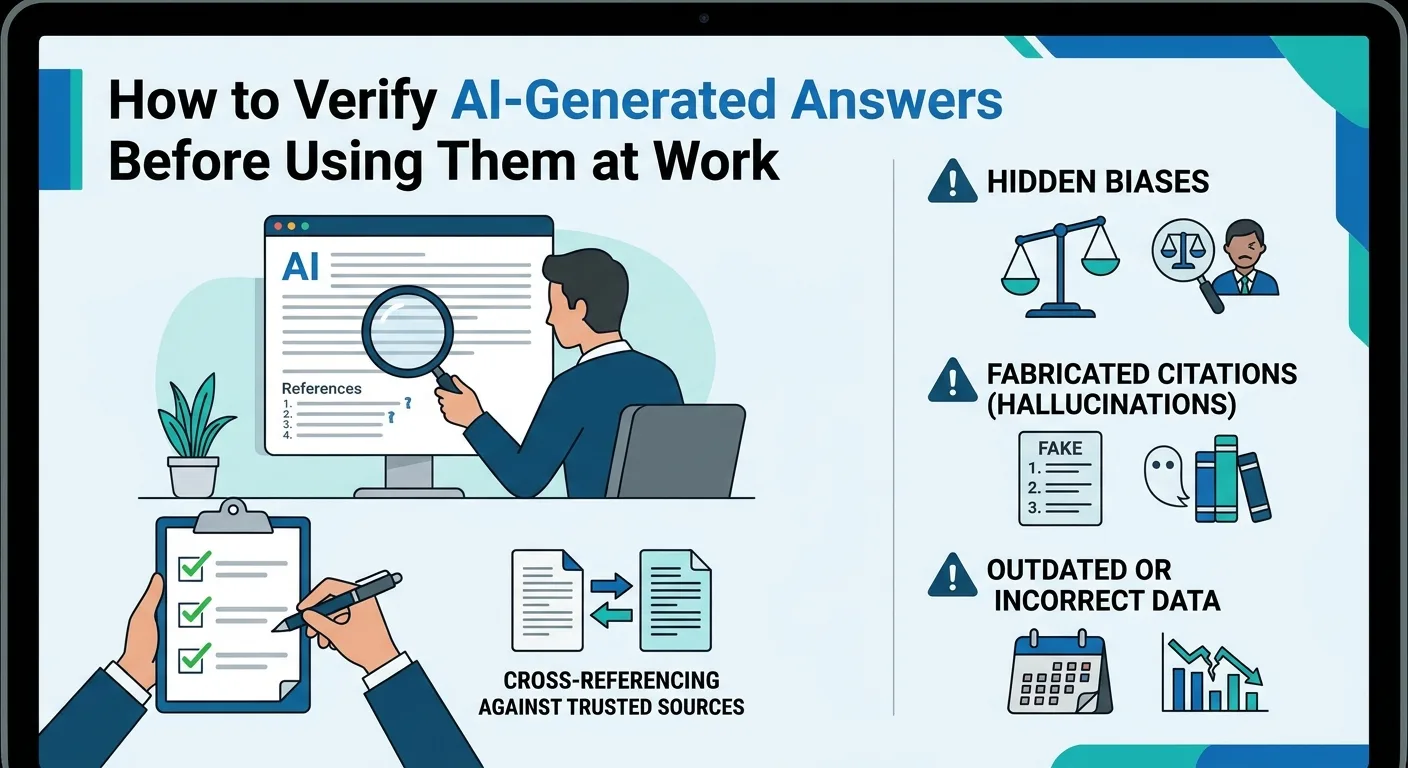
Choosing an AI tool for everyday work should begin with a real task, a controlled test and a clear decision about what information the tool may access. A polished demo or a claim that an assistant “saves ten hours a week” is not enough. Before paying for a product or allowing it into a workplace, check whether it performs reliably on your own tasks, protects sensitive data, uses appropriate permissions and leaves a person accountable for important decisions.
This responsible AI evaluation checklist applies to writing assistants, meeting note-takers, spreadsheet analysers, design tools, customer-service chatbots and AI agents connected to business software. It is designed for students, employees, freelancers, managers and Nigerian small businesses, although many of its questions apply internationally.
The approach draws on NIST's AI Risk Management Framework , the OECD's 2026 guidance on responsible AI , and government AI security advice for small businesses . It adds a practical testing and scoring worksheet, but that worksheet is an editorial tool—not an official certification or universal regulatory requirement. Research verified: 9 November 2026.
What does responsible AI evaluation actually mean?
It means evaluating benefits and risks together and making a decision that is proportionate to the harm a failure could cause. A tool that helps brainstorm presentation headings may need a light review. An automated system that emails clients, edits payroll records or decides which applicant is eligible for credit demands far stronger controls and evidence.
NIST organises AI risk management around four ongoing activities: Govern, Map, Measure and Manage. Its framework is voluntary and adaptable rather than a one-size-fits-all pass/fail checklist. The NIST AI RMF Core stresses documenting the use case, measuring outcomes and continuously managing risks. The OECD's February 2026 guidance likewise addresses responsible behaviour by organisations developing, buying and using AI.
You do not need to become an AI researcher to apply those principles. Start with a concrete task and a small number of questions that can be answered with evidence.
Before comparing tools, define the job they must do
Write a one-sentence use case. “Use AI to be productive” is vague; “draft first replies to routine customer questions using our approved public FAQ, with staff approval before sending” is measurable. Then record how the task is done without AI, including time spent, typical mistakes, quality standards and who approves the result.
For example, a person who spends 30 minutes drafting and editing a weekly report should not measure success solely by how quickly an AI generates the first paragraph. The fair comparison includes the time spent checking numbers, fixing mistakes and rewriting unclear language. If the review takes more time than the old process, the faster draft may deliver little overall benefit.
It may turn out that a search function, reusable template or straightforward automation solves the problem at lower cost and risk. That is a legitimate outcome of evaluation, not a failure to adopt AI.
The 10-point responsible AI tool checklist
1. Task fit: can it solve your real problem?
Check whether the tool supports the files, languages, workflows and output formats your work actually needs. A product advertised for “research” may be poor at citing sources; a spreadsheet assistant may struggle with multi-sheet financial models. Ask for a demonstration using examples representative of your job, not only the vendor's polished samples.
Ask: What is the intended task, what inputs are required, what outputs are acceptable, and what should the tool refuse or escalate?
2. Accuracy and reliability: does it work on unseen examples?
Create a small, representative set of test tasks—perhaps 15 to 30 examples for an initial low-risk pilot—with expected results or a defined human review standard. Include ordinary requests, unclear instructions, missing information and situations where the correct action is to say “I don't know”. The sample size is a practical starting suggestion, not a scientifically sufficient sample for all uses.
Define what counts as success before testing. For an email assistant, measure whether facts and dates remain correct. For a spreadsheet tool, check calculated totals against independently verified figures. For summarisation, test whether important qualifications are preserved. Record false claims, omissions and instances where the model refuses a legitimate task.
NIST's guidance on AI validity and reliability highlights that a system must work under the conditions for which it is intended and that ongoing monitoring matters. A confident response is not evidence of correctness.
3. Privacy and data handling: where does your information go?
Before uploading files or connecting a work account, determine what information the tool collects, where it stores data, how long it retains them, who can access them and whether customer or employee content may be used to train models. Review privacy terms for the actual plan and account configuration you will use, since consumer and business offerings may differ.
Start testing with public, fictional or appropriately anonymised data. Do not use real passwords, account PINs, confidential contracts or customers' identity documents simply because a tool offers a convenient upload button. If sensitive data are necessary, obtain proper organisational approval and assess whether the provider's controls meet your requirements.
For Nigerian organisations, the Nigeria Data Protection Act 2023 is central to personal-data governance. Assess lawful processing, purpose limitation, appropriate safeguards and applicable controller/processor arrangements; seek professional advice where obligations are unclear. FlyingEze's customer-data protection guide for AI tools covers the practical side in more depth.
4. Security and permissions: what can the tool access or change?
Check authentication, multi-factor support, role-based access, audit logs and the permissions requested by browser extensions, email assistants or connected AI agents. Read-only access to a selected document is different from permission to read an entire mailbox, send emails or edit customer records.
The OWASP Top 10 for LLM Applications (2025) highlights risks including prompt injection, sensitive-information disclosure and excessive agency. An agent reading a malicious webpage might be tricked into issuing an unauthorised tool action. For any tool that can send, publish, delete, purchase, transfer or modify records, require least-privilege access, validation and human approval at sensitive steps. A vendor's promise that its assistant is “secure by design” needs supporting evidence.
5. Transparency and verifiability: can you check its work?
For research, look for meaningful citations linked to genuine source material, with dates that fit the claim. For financial analysis, demand clear assumptions, traceable formulas and an exportable record of calculations. For content creation, check whether the tool distinguishes verified facts from suggestions or invented examples.
A cited link is not automatically proof: AI can quote a real document incorrectly or attach a credible-looking source to an unsupported claim. NIST's Generative AI Profile addresses confident false outputs, sometimes called hallucinations or confabulations. Verification must inspect the underlying source, not merely its appearance.
6. Human oversight, fairness and accountability
Identify the person responsible for accepting or rejecting an AI recommendation. Make it easy to edit outputs, correct errors, record complaints and stop an automated workflow. If the tool is involved in hiring, credit, benefits, education, health or other consequential decisions, test whether it performs differently across relevant groups and consider legal and ethical requirements before deployment.
The UK Information Commissioner's Office's AI supplier checklist recommends assessing accuracy, bias, responsibilities and contracts before procurement. While that guidance is UK-specific, the underlying due-diligence questions are useful elsewhere. “A human is in the loop” should mean a person genuinely has enough context, authority and time to review the work—not merely clicks approve automatically.
7. Ownership, copyright and acceptable use
Read the provider's terms on ownership and permitted commercial use of generated content, uploaded files and outputs. Check whether it supports your organisation's confidentiality obligations and any licence restrictions. Do not assume that every AI-generated image, paragraph or program is automatically copyright-protected or automatically cleared of third-party rights. The relevant legal position depends on the material, jurisdiction, provider terms and other facts.
Writers should assess possible plagiarism and editorial attribution. Software teams should review generated code for dependencies, vulnerabilities and licensing questions. Businesses should avoid uploading copyrighted or private materials unless their rights and permissions allow it.
8. Accessibility and real-world usability
Does the tool work with a keyboard or assistive technology? Can users understand its errors? Does it handle the languages, accents, file formats, connectivity and devices actually used by the team? In a Nigerian workplace, testing examples involving local names, naira amounts, everyday business terminology and available internet conditions may reveal problems hidden by an English-language vendor demo.
Ask people who will really use the system to complete their usual tasks. Good interface design matters because a theoretically capable model that creates a confusing workflow may reduce, rather than improve, productivity.
9. Total cost: is it worth the money and review time?
Compare the full cost of ownership, not just the advertised monthly subscription. Include per-user fees, document or token usage, premium features, required integrations, staff training, review time, support, data migration and the consequences of an error. Some AI products have generous trials but expensive usage beyond their included limits.
A simple measure is net time saved = old task time minus AI generation time minus correction and review time. For a hypothetical weekly task that previously took 60 minutes, if AI drafting takes 10 minutes and review takes 25, the net saving is 25 minutes—not 50. Translate this into a monetary benefit only with reasonable assumptions about how saved time is used.
For a broader comparison of subscription choices, see FlyingEze's free versus paid AI tools guide .
10. Vendor reliability and exit options
Ask whether the service has suitable support, incident notification, uptime information, change notices and an understandable process for exporting or deleting your data. Check how your work will continue if the vendor becomes unavailable, changes pricing or removes a feature. Look for the ability to switch providers without losing essential records.
The Australian Cyber Security Centre's small-business AI checklist includes verifying data storage, ownership, training use, vendor security and incident processes. This is an especially useful reminder that responsible purchasing includes an exit plan.
Pass/fail gates: reasons to reject a tool before scoring it
A tool should not be rescued by a high average score if it fails an essential safety requirement. Treat the following as potential stop conditions, depending on your use case:
- It requires unauthorised disclosure of sensitive personal, financial or business information.
- Its permissions allow harmful actions that cannot be adequately restricted, approved or audited.
- It cannot meet a mandatory legal, confidentiality, contractual or industry requirement.
- It fails the minimum accuracy standard for a high-consequence task, or cannot reliably escalate uncertainty.
- There is no workable incident, recovery or human-review process where failure could cause serious harm.
If any critical gate fails, pause the evaluation and choose another tool, change the use case, or fix the control before continuing. An expensive or popular tool is not exempt. These are editorial screening principles, not a substitute for formal legal or security assessments.
A printable 10-point AI evaluation checklist
| Check | Evidence to record | Pass? |
|---|---|---|
| 1. Task fit | Named workflow, inputs and acceptance criteria | Yes / No |
| 2. Accuracy | Representative test results and recorded errors | Yes / No |
| 3. Privacy | Data collection, retention, training-use terms and approvals | Yes / No |
| 4. Security | Permissions, authentication, logs and incident controls | Yes / No |
| 5. Verification | Sources, auditability and reproducible outputs where relevant | Yes / No |
| 6. Oversight | Named reviewer, escalation and fairness review where relevant | Yes / No |
| 7. Rights | Applicable terms, licences and content-use restrictions | Yes / No |
| 8. Usability | Accessible tests with actual users and devices | Yes / No |
| 9. Total cost | Subscription, usage, training, review and switching costs | Yes / No |
| 10. Exit readiness | Data export, deletion, support and contingency plan | Yes / No |
“No” does not always mean the same thing. A missing nice-to-have feature may lower a score; an unacceptable security or legal exposure may be a mandatory rejection. Document the distinction before inviting vendors to demonstrate their products.
A simple weighted scorecard for comparing acceptable tools
Once mandatory safeguards have been met, compare candidates on a common scale. The following is a FlyingEze illustrative scorecard, not a NIST or OECD grading standard. Rate each category from 0 (unacceptable or no evidence) to 5 (strong evidence), multiply it by the category's weight and divide by five. The categories add up to 100.
| Category | Maximum weighted points |
|---|---|
| Task performance and accuracy | 25 |
| Privacy and data governance | 20 |
| Security and access control | 15 |
| Human oversight, fairness and verifiability | 15 |
| Value for money | 10 |
| Usability and accessibility | 10 |
| Vendor reliability and portability | 5 |
| Total possible | 100 |
Suppose a fictional tool scores 4/5 for task performance, 3/5 for privacy, 4/5 for security, 4/5 for oversight, 2/5 for cost, 4/5 for usability and 3/5 for vendor reliability. Its weighted score is 71/100 (20 + 12 + 12 + 12 + 4 + 8 + 3). This says the tool has strengths but pricing needs investigation. It is not permission to deploy if a mandatory privacy, safety or legal gate has failed.
Choose weights according to the task: a public marketing-draft assistant and a system accessing payroll records should not have identical risk thresholds. Record the evidence behind each score so the decision is auditable and can be reconsidered later.
A 30-day pilot plan for individuals or small teams
A small pilot is more informative than relying on promotional claims. Here is a sample 30-day approach that can be shortened for low-risk tasks and expanded for high-risk ones.
- Days 1–3 — Scope and safeguards: define the task, baseline time/quality, prohibited data, authorised users and pass/fail gates. Decide what will count as success before seeing the results.
- Days 4–10 — Controlled tests: run an initial set of realistic tasks using public, fictional or approved data. Compare outputs with a trusted reference or qualified reviewer. Document factual errors and unexpected behaviour.
- Days 11–20 — Limited everyday use: allow a small group to work with the tool under supervision. Measure actual time saved after review, cost, usability, complaints and security events.
- Days 21–27 — Challenge tests: try incomplete instructions, unusual inputs and realistic failure scenarios. For connected agents, test permissions and whether untrusted files or webpages can trigger unintended actions.
- Days 28–30 — Decision and documentation: review the evidence; approve for a bounded use, request improvements, extend the test or reject the tool. Name an owner and a future review date.
NIST's 2026 publication on monitoring deployed AI systems explains why pre-deployment evaluation alone is insufficient: changing inputs and unpredictable behaviour can introduce problems after release. A responsible pilot therefore needs an ongoing monitoring plan, even when initial results look promising.
Three workplace examples: what approval should look like
Email and document drafting
Potentially appropriate: drafting a general meeting invitation from non-sensitive notes. Test tone, correctness, accessibility and time spent rewriting. Require an employee to confirm names, dates and claims before sending. Avoid feeding confidential employee or customer records into an unapproved account.
Customer-support assistant
Higher risk: answering customer questions about delivery status or account balances. The tool may need live systems and personal data. Test authentication, record-level access restrictions, escalation, inaccurate refunds and the consequences of prompt injection. A chatbot that invents refund promises or exposes another customer's information is not ready for unrestricted deployment.
Automating spreadsheet or finance work
Higher risk: reading invoices, classifying expenses or generating payment instructions. Verify calculations against independently prepared results and require approval before posting journal entries or transferring money. A working demo of a few simple formulas is not enough to establish financial accuracy or access control.
Warning signs that should make you investigate further
- “100% accurate” or “never hallucinates” without clear independent evidence and scope.
- Unclear policies on retention, model training, deletion or subprocessors.
- A browser extension or agent requesting more access than its task requires.
- Unverifiable customer testimonials, invented case studies or vague security certifications.
- No clear way to report an incident, export records, cancel billing or revoke connected access.
- Costs or performance claims that ignore review time, rate limits and mistakes.
A missing disclosure is not proof of wrongdoing, but it is a reason to ask for documentation before sharing information or approving a subscription.
Frequently asked questions
What is the best AI tool for everyday work?
There is no universal winner. The best option depends on the task, acceptable error rate, data sensitivity, cost, accessibility and available oversight. Start by testing a few candidates against the same representative tasks. FlyingEze's AI tools for Nigerian small businesses guide provides examples of product categories and uses.
How can I test AI accuracy without technical skills?
Prepare a set of questions or tasks for which you already know the correct answer, or can verify it independently. Include easy, difficult and ambiguous cases. Record correct answers, errors, omissions and review time rather than relying on the model's confidence.
Is it safe to upload work documents to a free AI tool?
Not automatically. Review the specific product's data-processing and retention terms, its training settings and your employer's policies. Use public or fictional content for initial testing. Do not share confidential or personal information without appropriate approval and safeguards.
Does paying for an AI subscription make it private and secure?
No. Paid plans may provide different controls, but price alone is not proof of privacy, compliance or security. Examine the actual contract, tenant controls, access permissions and data-handling arrangements.
What is prompt injection, and why does it matter?
Prompt injection occurs when untrusted content influences an AI system to depart from its intended instructions. It is especially concerning when the application can access files, send messages or perform transactions. OWASP recommends considering this alongside permissions and other application-security controls.
Should AI be allowed to send customer messages automatically?
Only after suitable testing, authorisation and safeguards proportionate to the consequences. For high-impact messages, financial commitments or sensitive situations, an approval step and clear escalation process are generally safer.
How do I measure AI return on investment?
Compare the cost of the old workflow with the full new cost: generation, checking, correction, subscription, integration and incidents. Measure completed, acceptable work—not merely the speed of the initial draft.
What if an AI tool passes the scorecard but fails a security requirement?
Do not approve it on the basis of an average score. Mandatory controls are gates. Fix the problem, remove the risky feature or select another tool before deployment.
Conclusion
AI tools can make everyday work easier, but buying one responsibly requires more than choosing the most popular product. Define a specific task, test realistic examples, verify privacy and security arrangements, examine costs, preserve human oversight and plan for errors and vendor changes. Stop when a critical safeguard fails, even if the product performs well on other measures.
The best outcome may be a carefully controlled AI assistant, a conventional automation or deciding that no AI tool is needed. What matters is a demonstrable improvement in the quality, safety and usefulness of the work. For primary guidance, review NIST's AI Risk Management Framework , the OECD's responsible AI due-diligence guidance and the Australian Cyber Security Centre's small-business checklist .
Editorial verification: 9 November 2026. This is independent educational guidance, not a guarantee that a particular vendor is suitable or compliant. Applicable data-protection and sector-specific obligations vary by jurisdiction and use case.