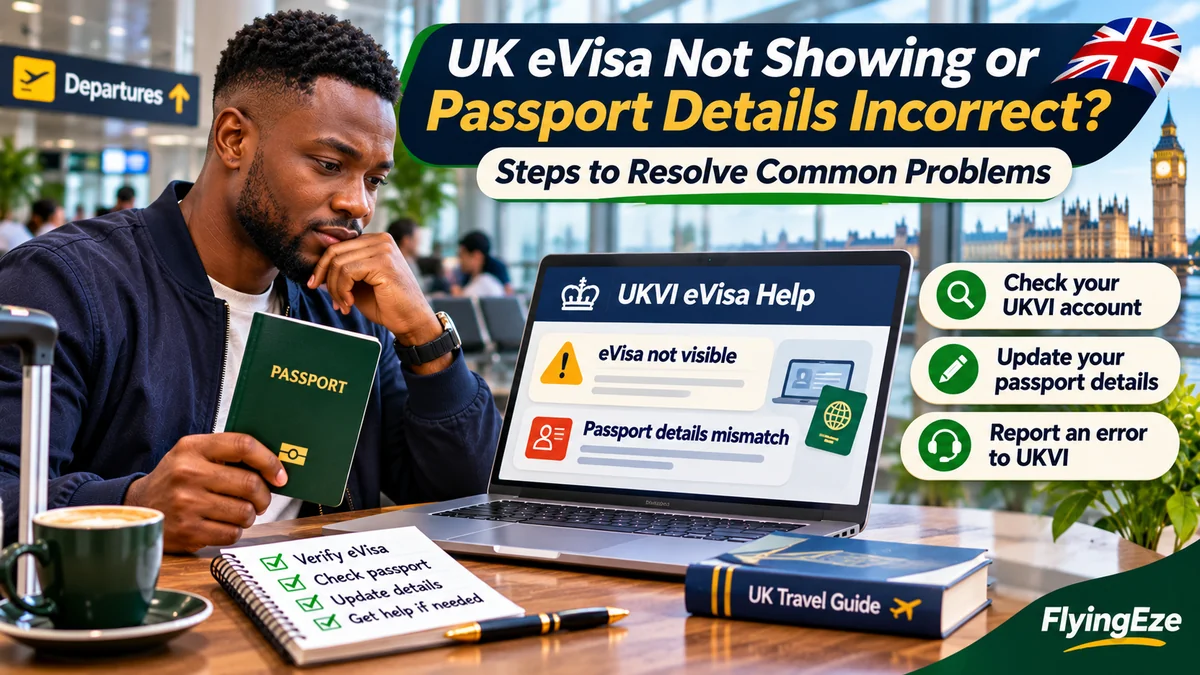
If your UK eVisa is not showing or your Nigerian passport details are incorrect, first determine whether the problem concerns account access, incomplete eVisa linking, a changed passport or an error in the immigration record. These require different official GOV.UK services. A renewed passport belongs in the UKVI account-update service; an incorrect immigration status should be reported through the eVisa error form. Do not create duplicate accounts or pay an unofficial “activation agent”.
The UK has moved to digital evidence of immigration status. New successful visa applicants stopped receiving visa stickers from 1 July 2026, though existing valid stickers remain usable until expiry and some applicants receive a separate form for accompanying an eVisa (FAV). See the Home Office transition update . Carriers may be unable to verify a passenger if UKVI passport details do not match airline booking information. This guide covers steps Nigerian students, visitors, workers, families and returning residents can take before departure. Research verified 3 November 2026.
Which UKVI service should you use?
| Problem | Official first step |
|---|---|
| Account exists but eVisa is missing | Check identity verification and linking; allow up to 24 hours before reporting a persistent error |
| Current passport is missing or passport number changed | Update UKVI account details |
| Wrong visa type, status, dates or erroneous identity data on eVisa | Report an eVisa error |
| Old phone or email prevents sign-in | Use official account recovery, linked from View and Prove |
| Unable to generate a share code | Report an eVisa error |
| Airline cannot confirm digital permission | Check passenger-data match; present permitted additional evidence and request carrier support |
Remember that creating a UKVI account does not grant a UK visa. Nigerians ordinarily need appropriate immigration permission; a pending application or biometric appointment is not approval. See the Home Office visa-required nationality list .
1. UK eVisa not showing after your visa was approved
Begin by finding the official UKVI decision email or letter. An account confirmation is not a grant decision, while an unsuccessful application will not become successful merely because you create another account. GOV.UK's visa application guidance explains that a successful applicant receives confirmation of the decision.
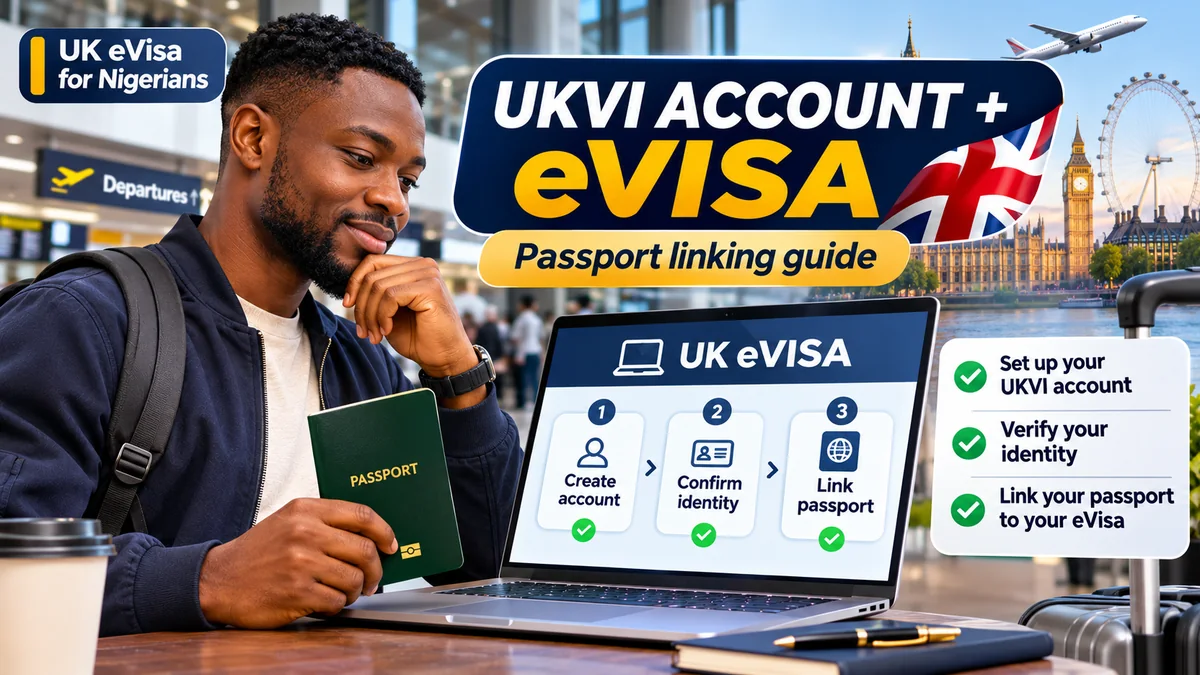
Next open the View your eVisa and get a share code service and try signing in with the identity document, UKVI customer number or other accepted credentials already associated with your account. If the eVisa is missing, return to the UKVI account setup instructions and check that both identity verification and account-to-eVisa linking have been completed. Setting up an account alone is not the same as linking immigration permission.
UKVI says eVisa access is often immediate once linking is complete, but it can take up to 24 hours. If the digital record is still unavailable after that, or a technical error prevents access, submit an error report. Do not create a duplicate UKVI account: GOV.UK says existing users should retain their original account.
2. Your new Nigerian passport is not linked to your eVisa
This commonly arises when someone receives UK immigration permission using an older passport and renews the passport before travelling. Your eVisa is the underlying digital permission; the passport is the identity document used for airline and border checks. UKVI must have the current travel document recorded so it can match your immigration status.
- Open Update your details in your UKVI account .
- Sign in using the credentials for your existing account.
- Select the offered option to change passport information or add another travel document.
- Enter the current passport number, expiry date and other requested particulars exactly as printed.
- Complete any checks and submit the update; return to the account to verify the new document has been recorded.
Check for swapped digits, incorrect dates and inconsistent names. If you have more than one passport or nationality, make sure the document you intend to use for travel is included. Do not assume renewal automatically updates UKVI.
There is an important restriction: GOV.UK states you cannot change your name or passport/travel document through this online service while waiting for a visa decision. Follow the instructions for your pending application or contact UKVI rather than attempting a second account or unapproved change. Updating document details does not renew or extend the immigration permission itself.
3. Wrong name, date of birth or nationality on the eVisa
Distinguish a genuine change in personal circumstances from an error in the immigration record. If you legally changed your name or acquired another nationality, the UKVI account update process may be appropriate, subject to evidence and location-specific restrictions. The update service also allows supported date-of-birth corrections and account changes.
If the existing eVisa is wrong—for example the Home Office recorded an incorrect date of birth, name or nationality—use Report an error with your eVisa . UKVI says that, when reporting incorrect identity particulars, you should enter the values currently displayed on the faulty eVisa so it can identify the right record. Supply the correct information and supporting evidence as the form requests.
Do not change spellings arbitrarily to match a booking, and do not treat the account editor as a way to amend a visa decision. If a change occurred while outside the UK, the permitted update route can depend on whether the passport is biometric. Use the Travel with your eVisa guidance for your precise circumstances.
4. Your eVisa shows the wrong visa category, expiry or conditions
A person granted a student visa may see a status or end date inconsistent with the Home Office decision. Incorrect work, study or residence conditions can create difficulties with employers, universities and travel checks. Compare the digital status with your official grant notice, including the visa route, validity period and conditions.
If they conflict, explain the discrepancy through the dedicated eVisa error service . Keep your decision letter and report confirmation safely. The ordinary account editor cannot change immigration conditions.
Be careful to distinguish a display or data error from a genuinely adverse decision. If you disagree with a refusal or an immigration decision, the decision notice may describe administrative-review or appeal rights. An eVisa error form is not a substitute for a formal challenge or a new application when legally required.
5. UKVI sign-in code not arriving or access to an old phone is lost
UKVI uses account identity details, date of birth and a verification code sent to a registered contact. A traveller who lost a phone, changed a Nigerian SIM or no longer controls an email address may be unable to access the account even if the immigration permission remains valid.
Open the account-recovery link provided by View and Prove or the UKVI account update page . Follow the recovery identity checks, regain access to the original account and update the phone and email address. If another registered contact option is still working, use that when offered. Where self-service recovery fails, seek UKVI support through the official contact channels .
Never share one-time sign-in codes, passwords or passport scans with a stranger who claims to “unlock” eVisas through WhatsApp or social media. Account creation and eVisa access are free; a missed code does not mean another visa application fee is payable.
6. eVisa share code not working
A share code allows a third party to check selected immigration information through an official service. GOV.UK says share codes remain valid for 90 days and can be used repeatedly during their validity period. The checking organisation may also need your date of birth. Codes are generated for particular purposes, so select the correct option.
Check whether the code has expired or was entered incorrectly, and generate a fresh appropriate code if needed. If you can view your eVisa but cannot obtain or use a share code, that is one of the problems specifically covered by the eVisa error-reporting service .
A share code is additional proof, not a substitute for a valid linked passport. Protect it and your date of birth from public exposure; do not post screenshots containing identifiable immigration information when asking others for help.
7. Airline cannot verify your eVisa at check-in
For travellers departing Lagos, Abuja or another Nigerian airport, the immediate question is whether the passenger information on the airline booking matches the identity and document held in UKVI. Compare your name, nationality, passport number and other relevant details across the valid passport, UKVI account and airline booking before travelling.
The Home Office's carrier guidance of 23 July 2026 says a person whose digital permission cannot be verified automatically may be able to provide a suitable share code or valid physical immigration evidence with a valid passport. The carrier can request assistance through the UK Border Force carrier support hub. The decision to board is not guaranteed by a screenshot of the eVisa.
Contact UKVI if your account cannot be accessed or updated. If you were specifically issued a form for accompanying an eVisa (FAV), follow the Home Office instructions for that document. Do not leave your first account check until the airport counter: correction times can extend beyond your departure date.
8. How long will an eVisa correction take?
According to the Home Office error service , UKVI aims to fix most issues within five working days, while complex errors can take up to 15 working days. UKVI says it will email you if the work is likely to exceed that period or more information is required. These are targets, not guarantees.
The 24-hour allowance after account linking is different from the five-to-fifteen-working-day correction targets. If a flight is close, supply an accurate travel date when contacting support and ask the carrier which permitted evidence may be accepted. Do not assume that simply submitting an error request authorises travel or guarantees a faster resolution.
9. Prepare the information UKVI may request
The official error form requests contact information, your name, date of birth, nationality and at least one identifying reference, such as a passport number, expired BRP number, GWF number, UAN or UKVI customer number. When reporting incorrect identity data, follow the form's instruction to enter the details currently displayed on the eVisa. Retain grant letters and other evidence so you can explain what should be corrected.
| Item | Reason |
|---|---|
| Working email or UK postal address | Enables UKVI to respond |
| Passport or immigration application reference | Locates the relevant record |
| Identity particulars as shown in the eVisa | Identifies the inaccurate display |
| Actual correct details and proof | Supports the correction request when required |
| Decision email and relevant travel dates | Provides context, but does not guarantee expedited action |
Keep these records in a secure folder. Never paste passport numbers, dates of birth or decision letters into public forums or unauthorised “UKVI help” websites.
10. Extra checks for Nigerian families and people outside the UK
The Home Office travel guidance distinguishes passport updates made while outside the UK. With an eligible biometric passport, more categories of account changes may be possible; with a non-biometric passport, self-service changes are generally limited to the passport number and expiry date. Other changes may require UKVI assistance and, potentially, new biometric information at a visa application centre.
Each dependent—including a child or spouse—needs an appropriate individual immigration status and UKVI account. Check every family member's document details rather than relying on the main applicant's record. Older valid visa vignettes may remain usable until expiry, while new successful applicants generally receive eVisas under the July 2026 transition.
Pre-travel checklist
- Confirm your visa or immigration permission was granted, not merely applied for.
- Sign into the original UKVI account and view the correct eVisa.
- Check the visa category, validity period and conditions against the decision notice.
- Verify that your valid current Nigerian passport has been added.
- Make sure the passport and airline passenger information match UKVI details.
- Confirm access to the registered email or phone for verification codes.
- Prepare the relevant share code or other permitted evidence if requested.
- Report record errors through the official service, and contact UKVI early for unresolved problems.
Frequently asked questions
My visa is approved but I cannot see my eVisa. What next?
Finish identity verification and link the existing UKVI account to the eVisa. Access may take up to 24 hours after linking. Report a continuing failure or technical error through GOV.UK.
Do I need a new visa when I renew my Nigerian passport?
Renewal of the passport alone does not normally mean the underlying immigration permission must be re-applied for. Add or update the passport in the existing UKVI account, subject to the restrictions on pending applications and personal changes.
Can I fly with the eVisa screenshot if the passport number is wrong?
Do not rely on that. Correct the passport link and check with the carrier and UKVI. The airline must verify acceptable travel evidence; a screenshot does not guarantee boarding.
What if the eVisa shows an incorrect expiry date?
Compare it with the actual Home Office decision and report an error if the digital record is inconsistent. Do not attempt to change the immigration grant using the account contact editor.
Will UKVI fix errors within one day?
There is no one-day guarantee. Newly linked eVisas can take up to 24 hours to appear; actual error corrections are targeted at five working days for most cases and up to fifteen for more complex cases.
Can an agent charge to activate my eVisa?
UKVI account creation and eVisa access are free. Avoid unofficial activation charges and never share account verification codes.
Conclusion
A missing eVisa, an outdated passport and an incorrect immigration decision are three different problems. Use GOV.UK's account-linking instructions for a missing record, its account-update service for changed documents, the recovery route for sign-in problems and the dedicated reporting form for errors in the immigration record. Nigerian travellers should check the linked passport and airline details well before the journey, because last-minute identity mismatches can prevent a carrier from confirming otherwise valid immigration permission.