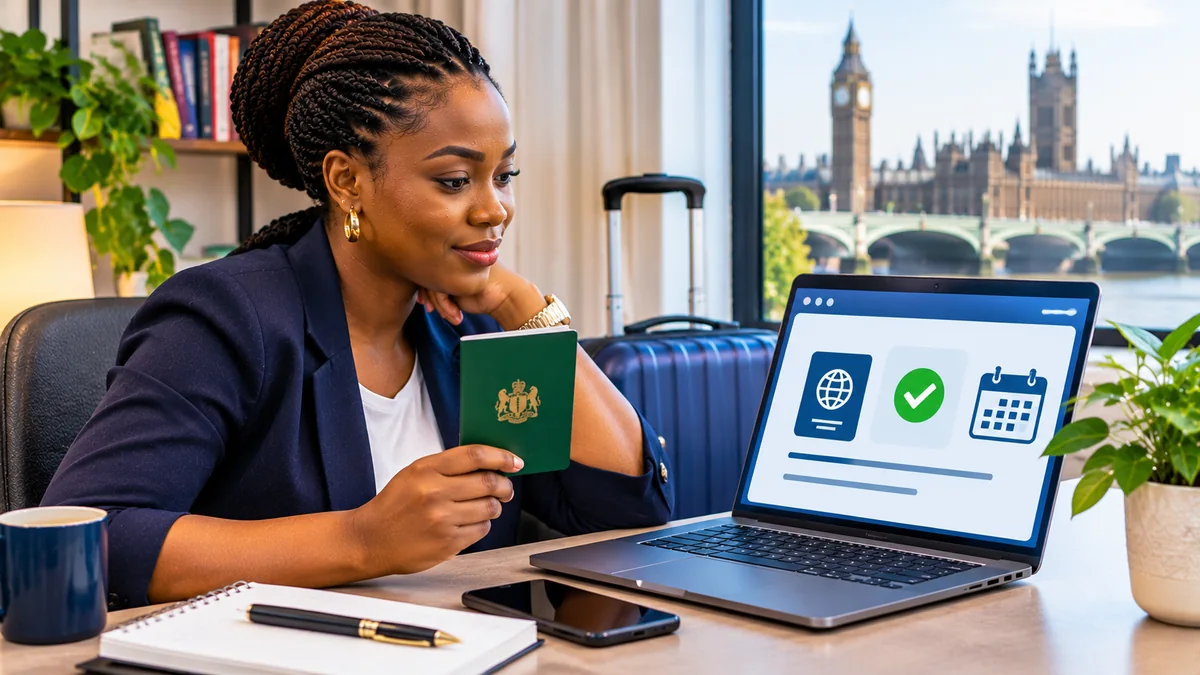
You have received a message saying your UK visa application was successful, but there is no new visa sticker in your Nigerian passport. How do you confirm you have permission to travel, and what should you show at the airport? In 2026, the answer for new successful UK visa applications is generally your eVisa, the digital immigration-status record accessed through a UK Visas and Immigration (UKVI) account.
To access and check a UK eVisa, sign in to your UKVI account through GOV.UK, complete any required identity and eVisa-linking steps, review the immigration permission shown, and make sure your current passport is recorded correctly before travelling. Creating or accessing the UKVI account is free. An eVisa is evidence of a permission already granted; it is not a replacement for applying for the right visa.
This guide focuses on UK eVisa for Nigerians in 2026, including the July 2026 shift away from issuing new visa stickers, the View and Prove service, 90-day share codes, passport updates and common errors. It is based on official UK government guidance checked on 3 November 2026. Procedures and immigration requirements may change, so the linked GOV.UK instructions remain authoritative.
1. What is a UK eVisa?
An eVisa is the UK government's digital record of a person's identity, immigration status and conditions, such as whether the holder may study or work. The record is managed by UKVI, part of the Home Office. An approved UK visitor, student, worker or other visa applicant can access their digital record through the appropriate UKVI account once linked.
The UK government says its move to digital status has replaced physical immigration documents. The official update dated 1 July 2026 states that UKVI stopped issuing new visa vignettes (passport stickers) to successful applicants on 1 July 2026. Existing valid vignettes remain valid until their stated expiry; the policy change does not retroactively invalidate them.
An eVisa is not a downloadable visa sticker, an airport ticket or a guarantee of admission regardless of circumstances. Travellers must meet the conditions of their immigration permission and any other applicable border requirements.
2. Do Nigerian passport holders need an eVisa or an ETA?
Nigeria is listed among the nationalities that require a UK visa in the UK government's carrier visa-requirements guidance updated in August 2026 . Nigerian passport holders generally apply for the appropriate visa before travelling, whether visiting, working or studying, subject to the rules and any specific transit exemptions.
Do not confuse a UK eVisa with an Electronic Travel Authorisation (ETA). The ETA programme applies to specified non-visa nationals and other eligible circumstances. Nigerian nationals are not listed as ETA-eligible on the official ETA nationality guidance . A person who already has valid UK immigration permission does not apply for an extra ETA just to use an eVisa.
| Item | What it means | Does it grant a new visa? |
|---|---|---|
| UK visa application | Request to be granted entry or immigration permission under a specific route | The application may lead to approval or refusal |
| eVisa | Digital evidence of already granted immigration permission and its conditions | No |
| UKVI account | Secure account for accessing and managing immigration status | No |
| Share code | Temporary way to let an authorised party check relevant status details | No |
| ETA | Digital travel authorisation for eligible travellers who do not need a visa | Not a UK visa |
3. How to check whether you already have a UKVI account
Before making a new account, use the official UKVI account guidance to check whether you already have access. You may already have a UKVI account if you used the UK Immigration: ID Check app during an application, received an account-confirmation email, or previously moved from a biometric residence permit or card to digital status.
If you already have an account, do not create a second one merely because you cannot remember how to sign in. Try the View and Prove service using your existing details or follow the official account-recovery route. Duplicate accounts can create unnecessary difficulties linking the correct immigration record.
Your UKVI account is distinct from any third-party visa-appointment or application-support account. A consultancy's dashboard and an email saying an application has been submitted do not constitute proof that UK immigration permission was granted.
4. Create and link a UKVI account if you need one
UKVI says account creation and access to an eVisa are free. If you do not already have an account, follow the official setup page . You normally need a phone number and email address you can access when signing in. Depending on your documents, you may also need a valid passport and a visa-application reference such as the Global Web Form (GWF) number or Unique Application Number (UAN), or other identity records listed by UKVI.
- Open the UKVI account setup service from GOV.UK, not from a paid agent's lookalike website.
- Confirm whether you already have an account and choose the appropriate sign-in or setup route.
- Enter the requested identity and contact details and complete any verification codes.
- Follow the identity-confirmation instructions, which may involve the UK Immigration: ID Check app or an official alternative method.
- Complete the step to link your UKVI account to your immigration permission if it has not linked automatically.
- Use the View and Prove service to check that the eVisa is available and accurate.
Having an account does not automatically mean the eVisa has been linked. UKVI says the account holder must complete the necessary identity and linking steps. Once linked, the eVisa is usually accessible immediately, although it can take up to 24 hours. If you cannot use a smartphone or identity app, the official setup guidance provides an alternative route.
5. How to view and check your digital visa
Go to View your eVisa and get a share code . Sign in using the identity document and the account contact method that UKVI recognises. You may be asked for your date of birth and a one-time code sent to your registered mobile number or email.
Once inside, check the record carefully. This is more important than simply confirming that a page opens:
- Your name and date of birth match your correct identity documents.
- The status or visa route corresponds to the permission you were granted.
- The validity dates and any conditions shown are consistent with the grant.
- Your current Nigerian passport or permitted travel document is linked to the account.
- Your mobile number and email address remain accessible and up to date.
If something looks wrong, compare it with the official visa decision notification and the conditions of your permission. Do not rely on assumptions about work rights or permitted stay based on another person's visa; different routes have different conditions. Use the government error-reporting route when UKVI displays incorrect data.
6. What is a share code, and when do you need one?
A share code allows a third party to check relevant immigration information through the government's verification service. For example, an employer or landlord might request evidence of the right to work or rent, while a carrier might need help confirming travel permission.
According to GOV.UK, a share code is valid for 90 days, can be used repeatedly before expiry and can be replaced with a new code when needed. The checker generally also needs the holder's date of birth. Choose the correct proof-of-status purpose, as the right-to-work and right-to-rent checking services are distinct from general status verification.
A share code is not the eVisa itself and does not extend the permission's expiry date. The UK government recommends obtaining a share code before travel as a precaution, but in ordinary circumstances carriers may verify an eVisa electronically from passport details. Do not assume showing a screenshot or code substitutes for an accurate UKVI-linked travel document.
7. Link your current Nigerian passport before travelling
The UK government warns that travellers may be delayed or prevented from boarding if UKVI account information is inaccurate. Airlines and other carriers check identity and permission electronically. The name, passport number and other relevant details in your account should correspond to the document you will use for the journey and to the passenger information supplied to the airline.
Use Update your details in your UKVI account if you have renewed a passport or changed other permitted contact or personal information. UKVI distinguishes between updates you can complete yourself and changes requiring assistance, particularly if you are outside the UK or have a non-biometric passport. You may not be allowed to change your passport or name while a visa application decision is pending.
Always carry your current valid passport when travelling. An expired biometric residence permit (BRP) cannot be used as a travel document; BRPs have been replaced by digital status. A valid older visa vignette can still be used until its own expiry, where applicable.
8. What happens at the Nigerian airport and UK border?
Before departure from Lagos, Abuja or another airport, the airline may check whether your travel-document details correspond to a valid permission-to-travel response. UK government guidance tells travellers to ensure that UKVI details match what they submit to the carrier. A valid eVisa record and accurate linked passport help those checks operate correctly.
If the carrier cannot confirm your eVisa, GOV.UK advises asking the airline to contact the UK Border Force carrier support hub. A traveller should not try to resolve a mismatch by submitting false passport numbers or buying another visa from an unauthorised agent.
At the UK border, continue to follow normal arrival procedures and any questions from border officials. Digital permission does not remove the need for a valid passport, compliance with immigration conditions or other relevant documents for the purpose of travel.
9. What is a Form for Accompanying an eVisa (FAV)?
There are exceptional cases in which someone granted an eVisa is issued a Form for Accompanying an eVisa (FAV). The UK government's digital transition guidance says someone issued a FAV will usually need to return to a visa application centre to collect it. When linked with the eVisa, it facilitates travel.
The FAV is not a separate grant of immigration status. Travellers should follow the specific instructions in their decision notification if one has been issued. Most ordinary readers will not need to collect a FAV, so it should not be mistaken for a universal document required of Nigerian eVisa holders.
10. What if your eVisa is missing, shows an error or cannot produce a share code?
| Problem | Likely explanation | Safe next action |
|---|---|---|
| Cannot see an eVisa after registering | Account linking or identity confirmation incomplete | Finish UKVI setup; allow up to 24 hours after successful linking |
| Details or status are wrong | UKVI record error or outdated details | Use the official eVisa error-reporting service |
| Lost email or phone access | Account sign-in method unavailable | Use UKVI account recovery, not a new duplicate account |
| Old passport appears | Travel-document information not updated | Use Update UKVI account and check permitted changes |
| Can view status but share code fails | Technical problem with status-sharing service | Report the error to UKVI |
| Airline cannot verify permission | Carrier-passport matching or technical check issue | Ask airline to contact Border Force carrier support |
| Visa application still pending | No new grant to display | Wait for the official decision; do not travel assuming approval |
The UKVI eVisa error service is specifically intended for wrong status information, share-code errors and some inability-to-access situations. GOV.UK says you should report an access problem if it persists after the account is properly linked and 24 hours have passed, or when you encounter a technical sign-in error.
If you need further help, use the UKVI webchat or contact routes from the official eVisa pages. Keep a record of any case reference and the precise error shown, but do not upload passport numbers, account codes or immigration decision letters into public social-media threads.
11. Does an eVisa mean a UK visa application is automatically approved?
No. Creating a UKVI account does not grant permission to travel, work, study or remain in the United Kingdom. An applicant must first receive a successful decision under the appropriate visa route. The government states that successful applicants receive an eVisa, which they can access after the record is linked to a UKVI account.
If your application is refused, your decision notification should explain the decision and any administrative review or appeal rights that apply. The eVisa service does not independently reverse a visa refusal or turn an expired permission into a valid one.
Do not book non-refundable travel solely because you submitted biometrics or paid an appointment fee. Follow the UK government's application and decision guidance and wait for confirmation of approved permission.
12. Can families and children share one UKVI account?
UKVI states that partners and children travelling as dependants need their own UKVI accounts to access their individual eVisas. A parent or someone authorised to act for another person may help manage the account, using the permitted contact details and account-management arrangements.
Before travelling as a family, check every traveller's passport and eVisa separately. One parent's status or share code is not proof that all accompanying children have their required immigration permission. The government also advises updating contact details when a child becomes able to manage an account independently.
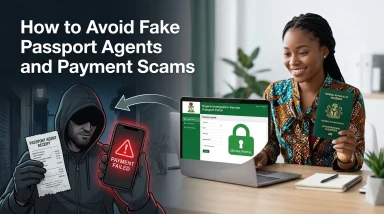
13. Protect yourself from fake eVisa agents and lookalike websites
An eVisa is a useful digital record, but it is also a topic exploited in confusing advertisements and unsolicited messages. The legitimate UKVI account and View and Prove services are accessed through GOV.UK. Setting up the account or accessing an eVisa does not require a special private 'activation fee'.
- Never give an agent your UKVI one-time sign-in code or email password.
- Treat a message claiming your visa will vanish unless you pay immediately as suspicious.
- Check the official domain and whether you are actually signed into the UK government service.
- Do not let a consultant create an account using contact details you cannot access.
- Avoid sharing a passport photograph, share code and date of birth together on public pages.
- Be cautious of websites offering guaranteed digital visa approval; only UKVI decides applications.
If you need professional immigration advice, use an appropriately authorised adviser and distinguish their fees from official visa-application charges. FlyingEze does not verify visa or immigration permissions and this guide does not constitute personalised immigration legal advice.
14. A practical checklist before your flight to the UK
- Confirm that your visa application was approved and that the permission is valid for your intended travel dates.
- Access your eVisa through your existing or newly linked UKVI account.
- Check your name, date of birth, status, expiry and relevant immigration conditions.
- Confirm your current passport or travel document is recorded accurately.
- Update the passport details and account contact methods through UKVI if needed.
- Carry your valid passport and any valid physical document UKVI specifically instructs you to carry.
- Obtain a fresh share code in advance as a precaution, remembering its 90-day validity.
- Check any separate immigration documents required for your travel purpose, such as university or employment records.
- If the eVisa shows an error, use the official reporting or support process before departure.
- Keep your official decision notification accessible while protecting personal information.
15. Where to find trustworthy assistance
The best place for live eVisa procedures is the UK government's eVisa information hub . For general UK study preparation, learning and research skills, SuperEducational may provide supplementary educational content. It is not being presented as an authorised immigration adviser or an official UKVI service.
P-Biz Solutions, KudiScope and Joynue do not have a directly verified service relevant to accessing or correcting UK immigration status, so promotional links to those products would not assist readers in this article. The related FlyingEze guide How to Create a UKVI Account and Link Your Passport to Your eVisa is scheduled separately; its public URL should be verified before adding a contextual internal hyperlink.
Frequently asked questions
How much does it cost to access a UK eVisa?
Creating a UKVI account and accessing an existing eVisa is free. This is separate from any visa-application charge or professional advice fee.
Can I travel to the UK using only a screenshot of my eVisa?
No. You must travel with the appropriate valid passport or travel document, and your UKVI record should match it. A screenshot alone is not a substitute for the government's electronic status check.
How long does it take for a UK eVisa to appear?
After the correct account-linking process is completed, UKVI says the eVisa is normally accessible straight away but may take up to 24 hours. Seek help if it remains unavailable.
Does a share code last forever?
No. It is normally valid for 90 days. You can generate another code whenever needed; the code does not change the visa's expiry date.
Can I use an expired BRP to board a plane in 2026?
No. UK government border guidance says expired BRPs are no longer valid for travel. You should use your current passport linked to your eVisa and follow any specific document instructions.
Do Nigerians need an ETA as well as a UK visa?
Nigerian passport holders are generally visa nationals, not ETA-eligible travellers. People with existing qualifying UK immigration permission do not need a separate ETA to use that permission.
What happens if I get a new passport?
Update the travel-document details in your UKVI account according to official instructions before travelling. If you cannot make the change yourself, use UKVI support.
Conclusion
For Nigerian travellers in 2026, the UK eVisa is now the central digital record of immigration permission. The most important tasks are to access the right UKVI account, verify the status and conditions shown, and ensure the current passport matches the record airlines will check.
Do not mistake an eVisa for a new visa application or an ETA, and do not assume a screen capture can replace valid travel documents. Check your digital status before booking your journey, update incorrect details early and use GOV.UK whenever help is needed.