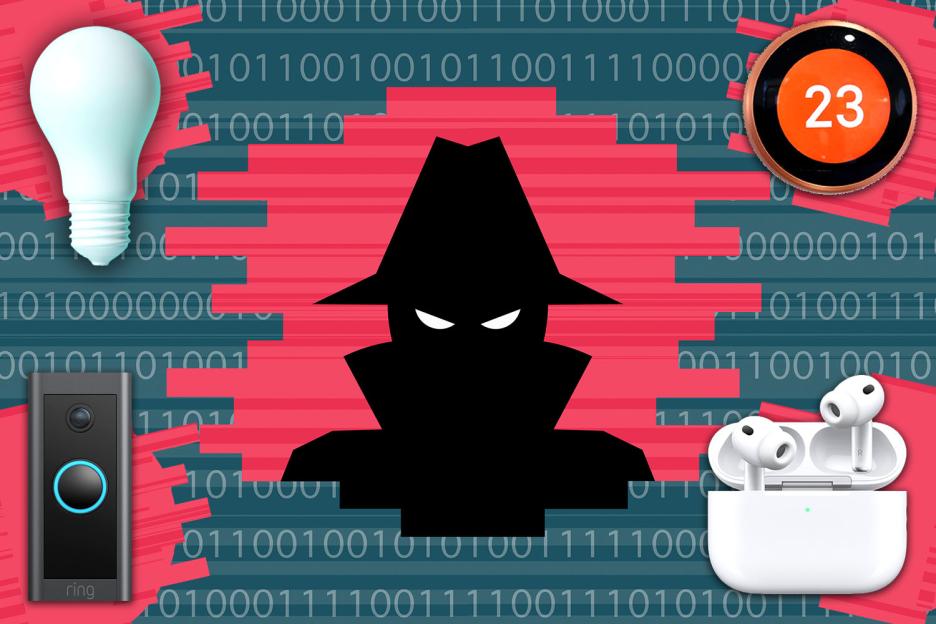
YOUR favourite gadgets could be secretly tracking your movements, with lights, headphones and even your heating giving creeps little-known ways to spy on you.
have previously warned how smart technology can be used by stalkers, abusive partners or hackers to monitor victims – but luckily there are ways to lock down your tech.
 There are ways to check your devices and put a stop to tracking featuresCredit: Getty
So many devices are connected to the internet for our convenience these days but in the wrong hands they’re open to abuse.
Here are some to watch out for, plus tips on how to protect your safety.
#1 Headphones – exes can track you
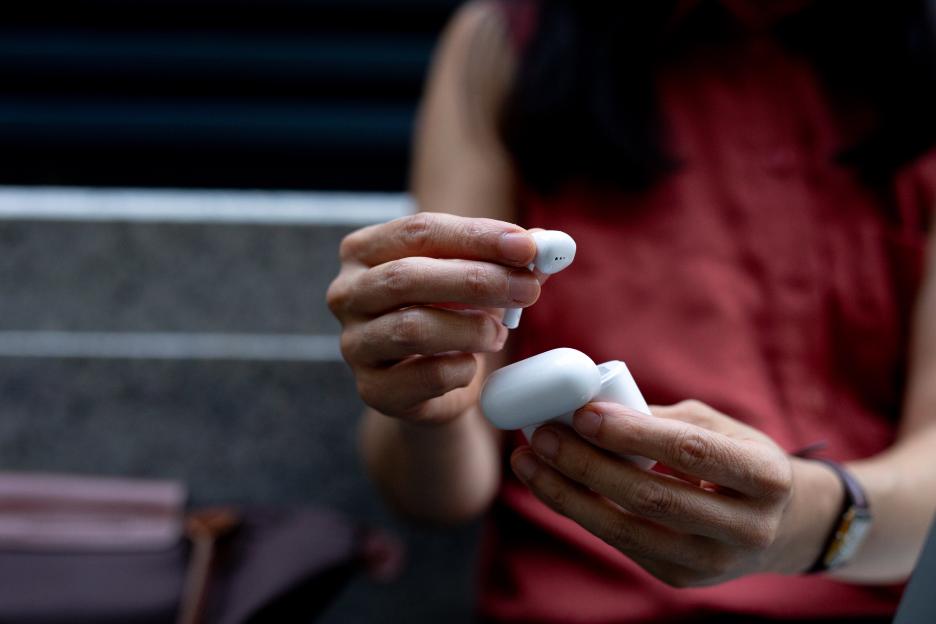 Devices like AirPods have special tracking features meant to help if they’re lost or stolenCredit: Getty
Headphones and earbuds are easily lost or stolen, so it’s quite handy that there’s a way to track them down should the worst happen with Find My on iPhone and Find Hub on .
However, this does mean that anyone with access to your account could find out exactly where you are at any given time.
This could also happen if the earbuds were registered on another account too, perhaps if given as a gift long ago – or if you’ve bought them second hand.
Several women have taken to social media to share their concerns about their AirPods potentially being tracked by an ex.
One victim of an abusive ex was worried that her former boyfriend might be able to track her because he set the AirPods up when they were together.
“It’s just occurred to me that he might have the AirPods linked to his Find My. Is that possible?,” the anonymous user wrote on Reddit.
“And if so do I have any way of finding out and a way of removing him?
“The last few months of our relationship he ‘randomly stopped by’ the same bar I was at on two occasions without me telling me specifically where I was when with my girlfriends.”
If you have AirPods linked to another person’s ID then they would be able to look at your last known location via the Find My app.
So, it’s worth checking if yours are registered to your Apple ID.
You can do this from an by going to Settings, tapping your name at the top and then scrolling down to see devices signed in with your Apple ID.
If you have a pair listed there, they’re fully yours.
If you don’t see them, you’ll need to recall how you got your AirPods and consider your options.
Could you contact a former lover and ask for them to be removed from their account?
And if you bought them second hand are you able to reach the previous owner to tell them to do the same?
If you can’t do either – or they refuse – then you might want to stop using the AirPods.
Equally, be careful with anyone who knows your Apple ID as they could log into Find My and see where your AirPods are too.
#2 Heating – stalkers can detect when you’re home
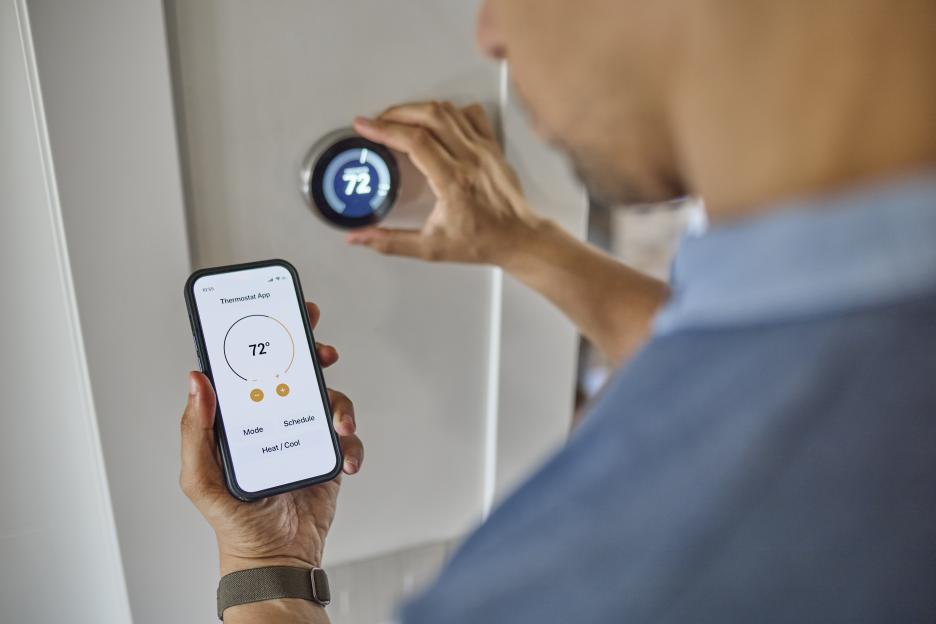 Smart heating gives a hint of when you’re home or notCredit: Getty
Your smart thermostat may seem like the last place you’d expect to be tracked.
But your heating habits may given an indication of when you’re home – and not.
For example, someone with access to your account could simply look to see if the heating is on for an idea of whether you’re in.
Some like Nest use your smartphone’s location to switch on the heating automatically.
The history of when this is done is available to view on the Nest website – which anyone can see if they have got hold of your login details.
You can switch this off by going to the Nest settings and unticking ‘Use mobile phone location’.
This is also a good opportunity to check that all family members are correct and there are no unwanted users with access to your account.
Ultimately, the best way to stay safe is by ensuring your account security is tip top.
Two-factor authentication is a must, as it means you’ll get a unique code sent to your phone every time anyone tries to log into your account if they have your password.
#3 Cars – stalkers can track where you’re driving
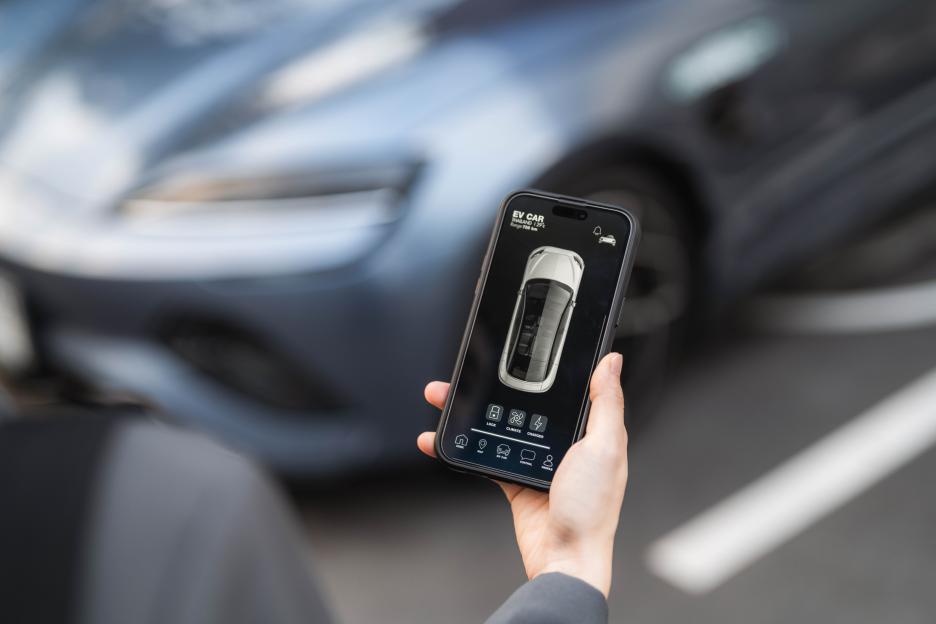 Newer cars with smart tracking features could be a problemCredit: Getty
Many have fancy features to help you find its parking location these days.
But once again, those with your login details could use this to see exactly where you are.
If your car has any of these sorts of features it’s well worth checking who has access within your car manufacturer’s app.
And again, ensure you’re using two-factor authentication so your account is secure if your password ever becomes compromised.
#4 Lights – spies can tell which room you’re in
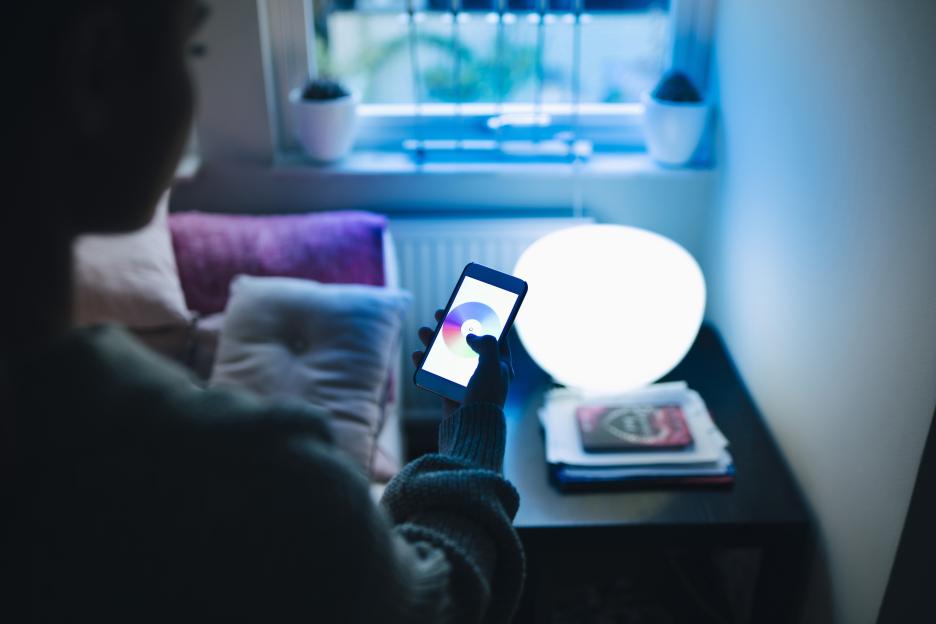 Even lights around the home could give an idea of when you’re inCredit: Getty
Yes, even lights could be another way to get an idea of your whereabouts.
This is the case if you’re using smart lights that can be controlled remotely.
Most people tend to use a speaker like to control their lighting.
If someone has access to your Alexa account, they can see all the times you’re switching the lights on or off, and get a very clear picture of when you’re home – and the room you’re in.
You can manage this and all other history associated with Alexa within the app.
Tap the three line icon along the bottom, then go to Alexa Privacy, followed by Manage Your Alexa Data.
Here you can immediately delete all history.
#5 Doorbell cameras – keeping tabs of who goes in and out
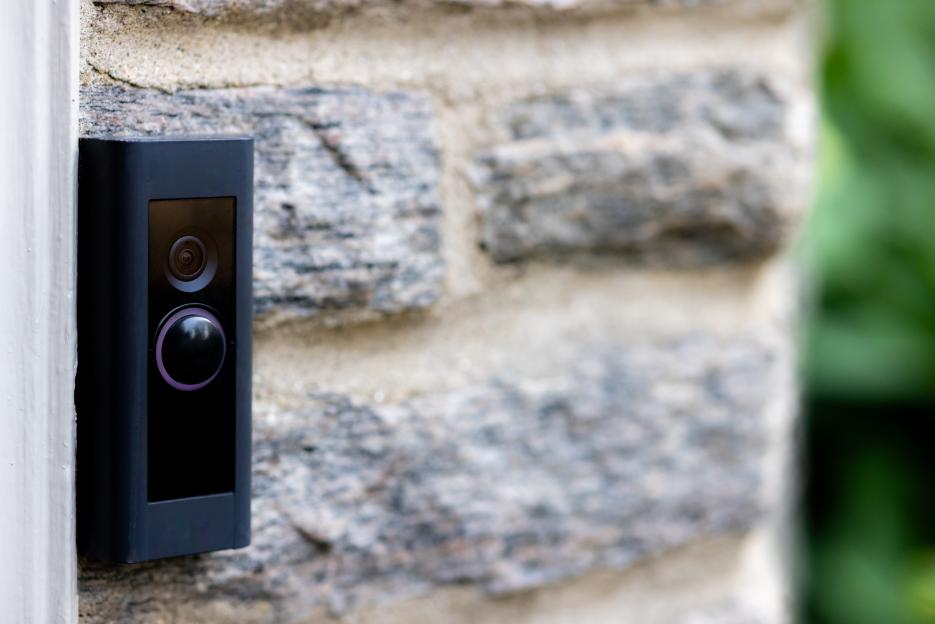 Doorbell cameras are one of the biggest concerns with cyber stalkingCredit: Getty
Doorbell cameras such as are probably the most obvious devices that could be abused by spies.
By their very nature these devices are intended to keep tabs on who arrives at your front door.
So it’s important to keep your account secure.
For Ring, you can check who has permission to view your Ring doorbell within the app.
Tap the three line icon in the top left, followed by Settings and User Permissions.
You can also go to Account Settings to ensure your account is secure with two-factor authentication too.
HOW TO STAY SAFE
Device safety starts with you and who has your login details
You shouldn’t really share your account login and password with anyone, no matter what the gadget or service – even if it’s a trusted person.
Why? Because you have no idea how they’re storing those details and if their phones are free from viruses and the like.
Should their own devices become compromised with your login details on there, criminals could use these to go through your own accounts.
The best course of action really is two-factor authentication.
This way, if your passwords are compromised you’ll get a text message code sent to your phone that’s needed to proceed when logging in.
Without that, the person trying to get access to your account can’t get in.